



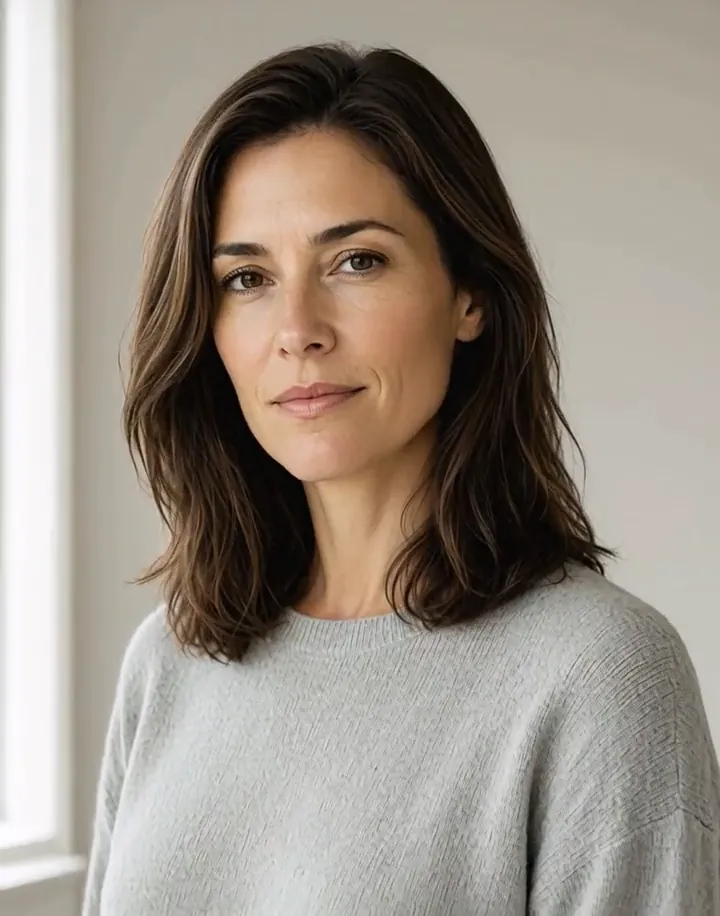
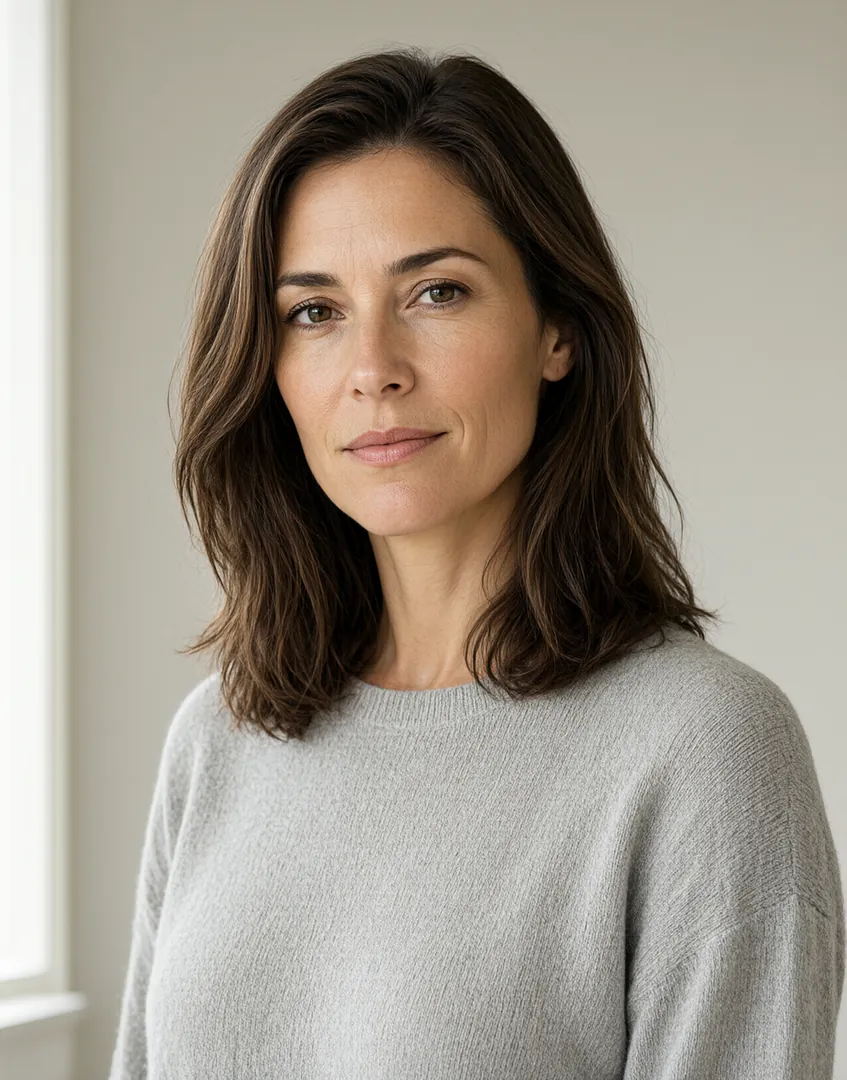
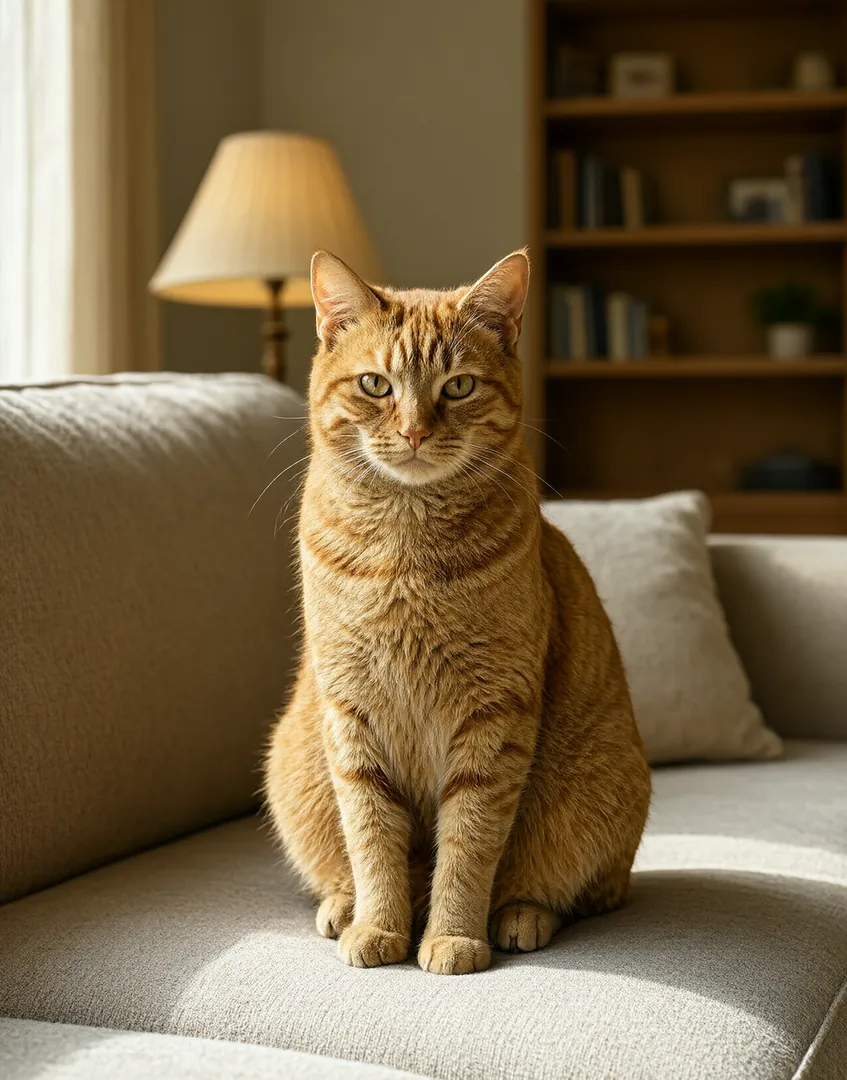
Video from a photo

Create a short video clip from a single photo by describing motion, camera movement, and sound.

from 50 coins per videoCoins come back if it fails

Examples

  • The portrait comes alive: the woman smiles and turns her headBefore
    After
  • A ginger cat yawns and looks aroundBefore
    After

How it works

  1. Upload your photoSelect the image you want to animate. Choose the file to begin the process.
  2. Describe the movementWrite a prompt detailing the motion, camera behavior, and audio elements for the output clip.
  3. Generate the clipSubmit the description and receive a short video that matches your specifications.

How much it costs

from 50 coins per video

Coins come back if it fails

What it can do

  • Motion controlSpecify how subjects and objects move within the frame.
  • Camera directionDefine zoom, pan, tilt, and tracking movements for the shot.
  • Audio integrationDescribe sound effects or background music for the generated clip.
  • People in photosYou can use photos containing people.
  • Short format outputYou receive a short video clip.

Transform a Single Image into a Moving Clip

A static photograph becomes a dynamic scene when you provide a clear description of the desired changes. You upload one image and supply a text prompt that outlines how the scene should evolve. Your input determines the direction of the animation. You define the pace, the movement, and the overall atmosphere of the clip. This approach gives you direct control over the final visual result without relying on preset templates.

Control Movement and Camera Behavior

You can specify exactly how the camera moves through the scene. Zooming in, panning across a landscape, tilting upward, or tracking a subject are all options you can describe in your prompt. You decide whether the motion should be smooth and gradual or sharp and dramatic. Camera behavior combines with object movement to create a cohesive composition. You adjust these parameters to match the visual style you want.

Add Sound and Finalize the Output

Visual motion pairs naturally with audio elements. You can include sound effects, ambient noise, or music in your description to complete the clip. The final result is a short video clip that combines the animated frame with the specified audio. You receive a short video clip that matches your initial description.

Questions and answers

Can I add background music to the video?

Yes, describe the music or sounds you want in your prompt.

Can I use photos with people?

Yes, the tool supports images with people.

Can I adjust the camera movement manually?

Describe your preferred zoom, pan, tilt, or tracking actions in the prompt.

What is the final output?

You get a short video clip that combines your photo, described motion, camera movement, and sound.

Before each run with photos of people you confirm that the people in it agree. If that turns out to be untrue, you are responsible.

TermsRecognised yourself? Let us know

Everything is ready to go.

    Necessary cookies keep the site working. With your consent we also use analytics (Yandex Metrica and Umami on our own server) and advertising (VK Ads pixel). You can change your choice any time via "Cookie settings" at the bottom of the site. Learn more