



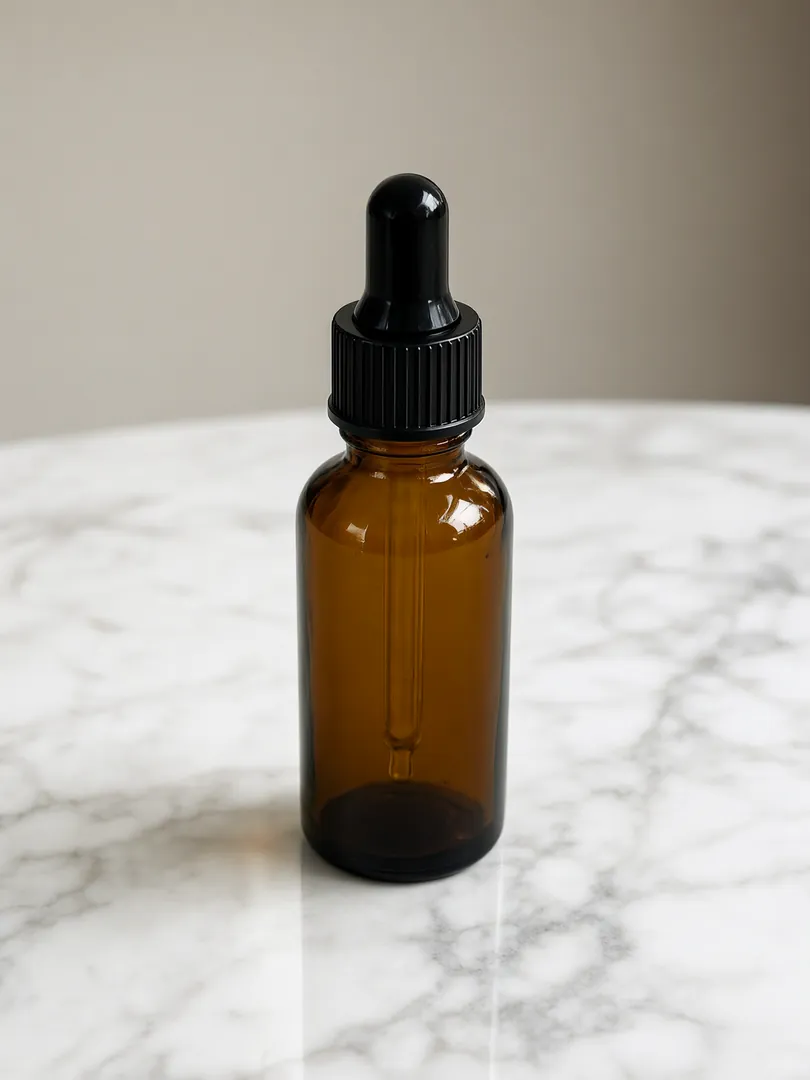

Product card photo generation

Transform your smartphone shots into professional marketplace listings. Select a platform, choose a background, and receive ready-to-use images tailored for your catalog.

from 10 coinsCoins come back if it fails

Examples

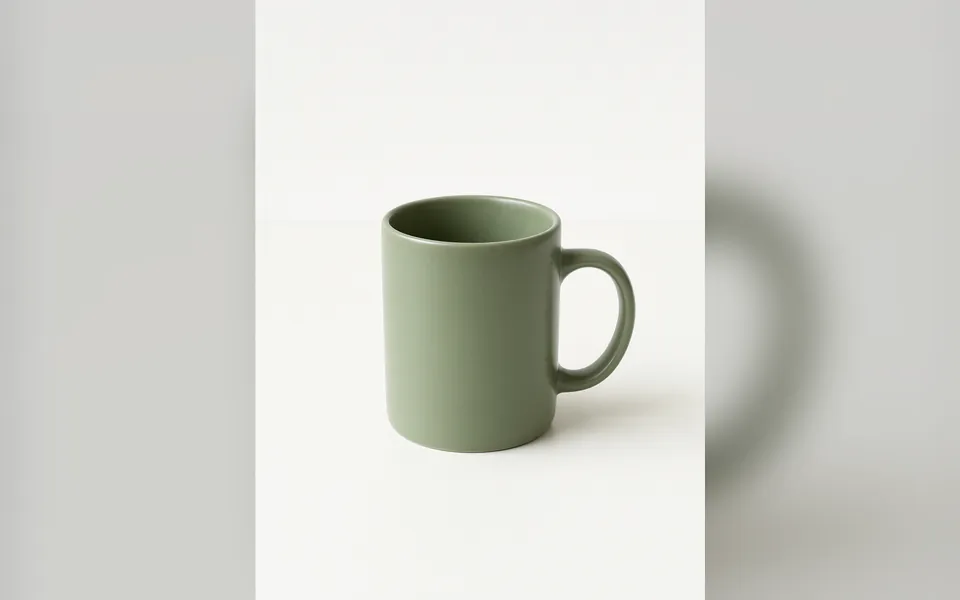
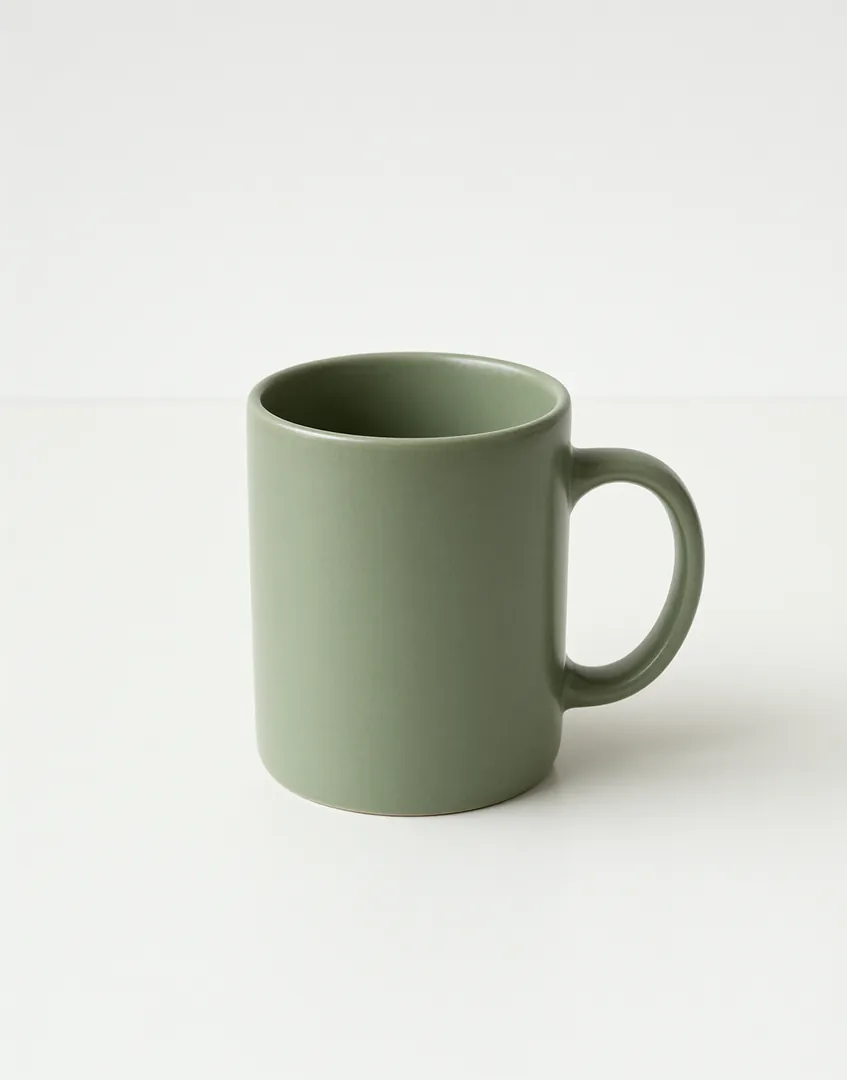
  • Before
    After
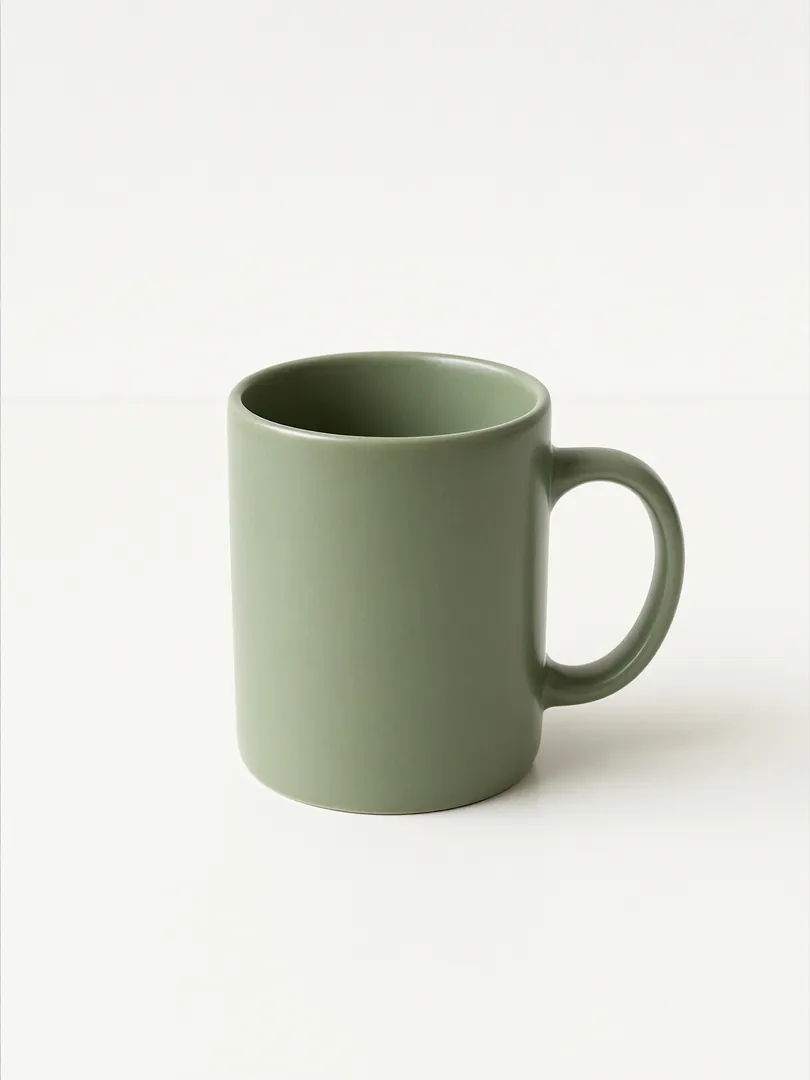
  • Before
    After
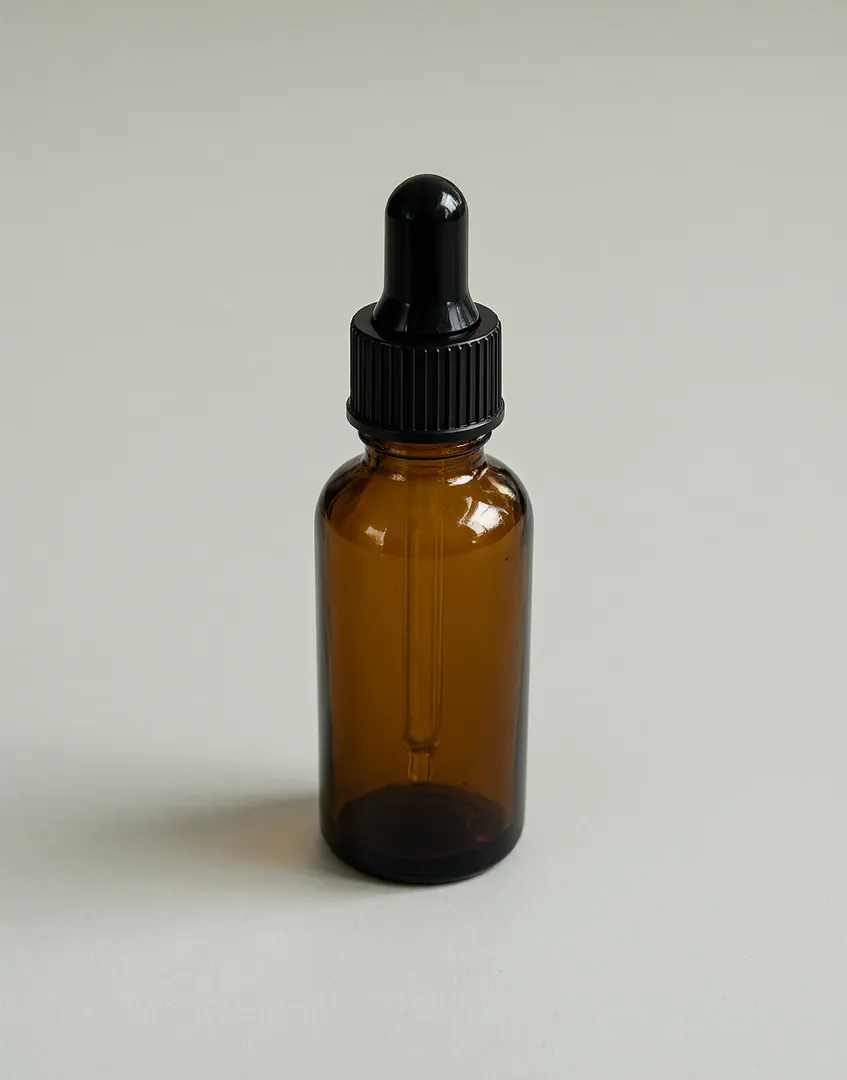
  • Before
    After

How it works

  1. Upload your product photoYou upload a "Product photo" to start the process.
  2. Select platform and backgroundChoose "Wildberries", "Ozon", or "Yandex Market", then pick a scene like "Marble", "Nature", or "Light studio".
  3. Review and download resultsReceive 3 or 4 generated images with your specified text layout ready for upload.

How much it costs

from 10 coins

Coins come back if it fails

What it can do

  • Marketplace-specific formattingChoose the marketplace you sell on: "Wildberries", "Ozon", or "Yandex Market". Every image comes in a vertical 3:4 frame.
  • Custom background selectionChoose from "Light studio", "Marble", "Nature", "Bathroom", "Holiday", or enter "Your own" description.
  • Text overlay placementAdd your own text and position it on the product card in the "Text on the card" field.
  • Multiple output variantsGenerate "3 variants" or "4 variants" to choose the best fit for your catalog.
  • Smartphone photo integrationUpload a smartphone shot and receive a listing image tailored for your catalog.

Creating Marketplace Images from Smartphone Shots

You photograph your item with a smartphone and upload the file to start. You receive a listing image tailored for online retail. You turn your initial shot into a structured catalog visual. You upload your file and get a clear composition that highlights your product.

Choosing Platforms and Backgrounds

You select the marketplace you sell on. Options include Wildberries, Ozon, and Yandex Market. You also pick a background scene that fits your product category. You choose from "Light studio", "Marble", "Nature", "Bathroom", or "Holiday". You can enter a custom description for "Your own" to get a composition that matches your specific needs.

Adding Text and Reviewing Options

You place your own text on the product card in the "Text on the card" field. You position text exactly where it fits best. You decide how many compositions you need for your catalog. You get 3 or 4 variants. You review each result and select the version that works best for your listings. You get final images ready for upload.

Questions and answers

Can I upload a photo taken with my smartphone?

You upload a simple smartphone shot to start. You receive a professional listing image.

Which marketplaces are supported for the final image?

You can choose images formatted for Wildberries, Ozon, and Yandex Market. Every image comes in a vertical 3:4 frame.

How do I add text to the product card?

You position your text in the "Text on the card" field. You control the placement directly.

Can I request a custom background scene?

Yes, you can enter your own background description. You receive a unique composition based on your specific text input.

How many image variations will I receive?

You can select 3 or 4 variants. They share one look with small differences, so you can pick the best one.

Everything is ready to go.

    Necessary cookies keep the site working. With your consent we also use analytics (Yandex Metrica and Umami on our own server) and advertising (VK Ads pixel). You can change your choice any time via "Cookie settings" at the bottom of the site. Learn more