
AI photoshoot

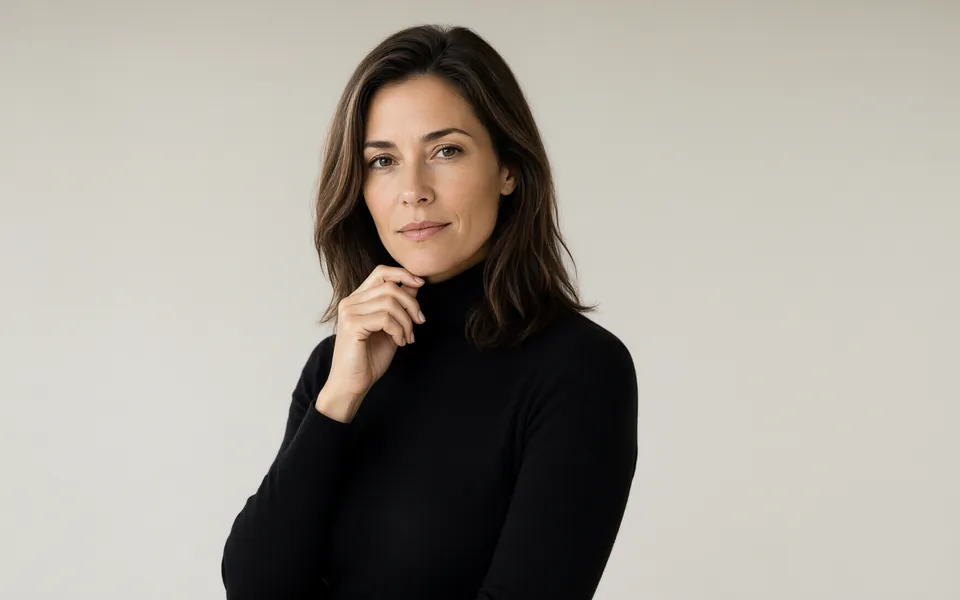
Professional photoshoot with your face in several looks.

from 10 coinsCoins come back if it fails

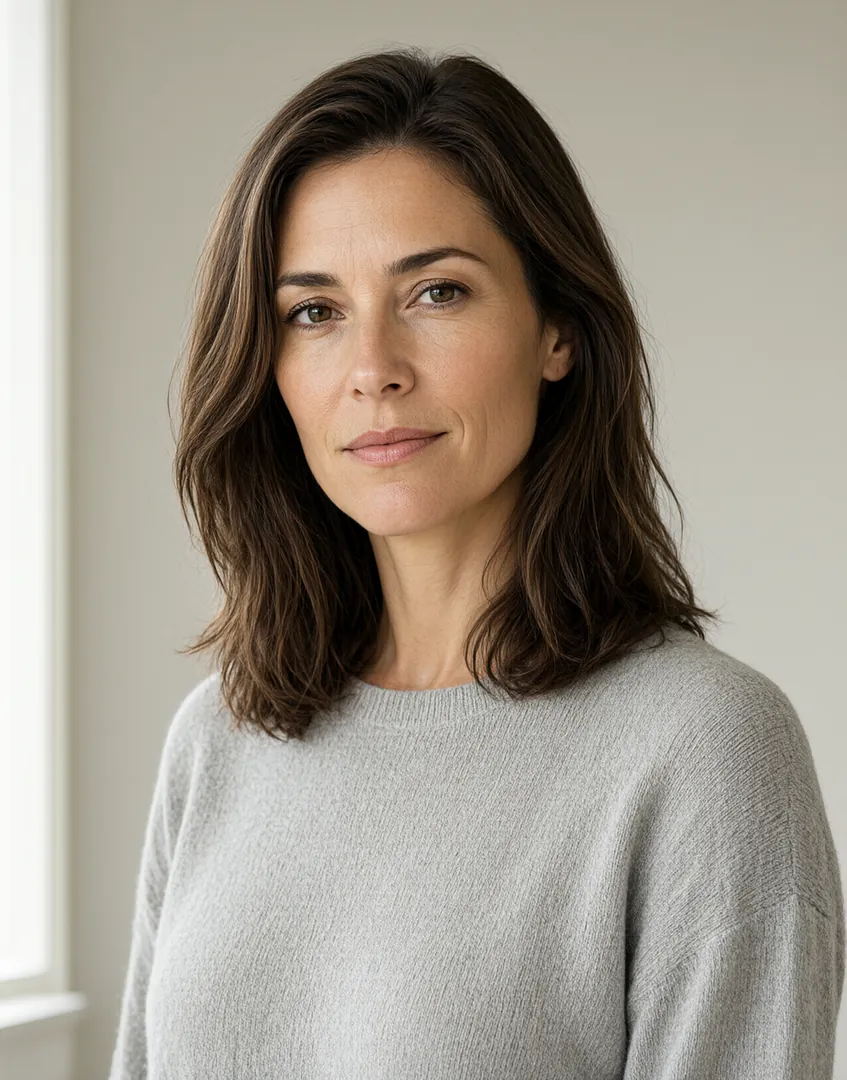
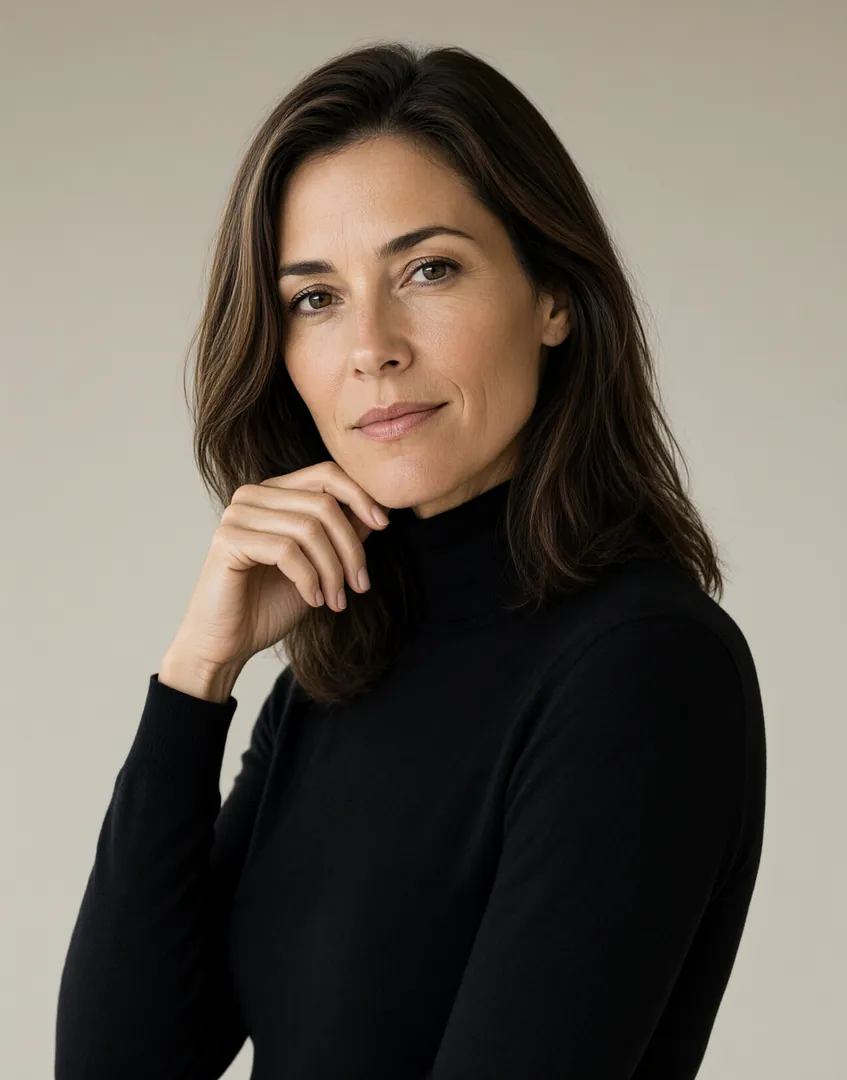
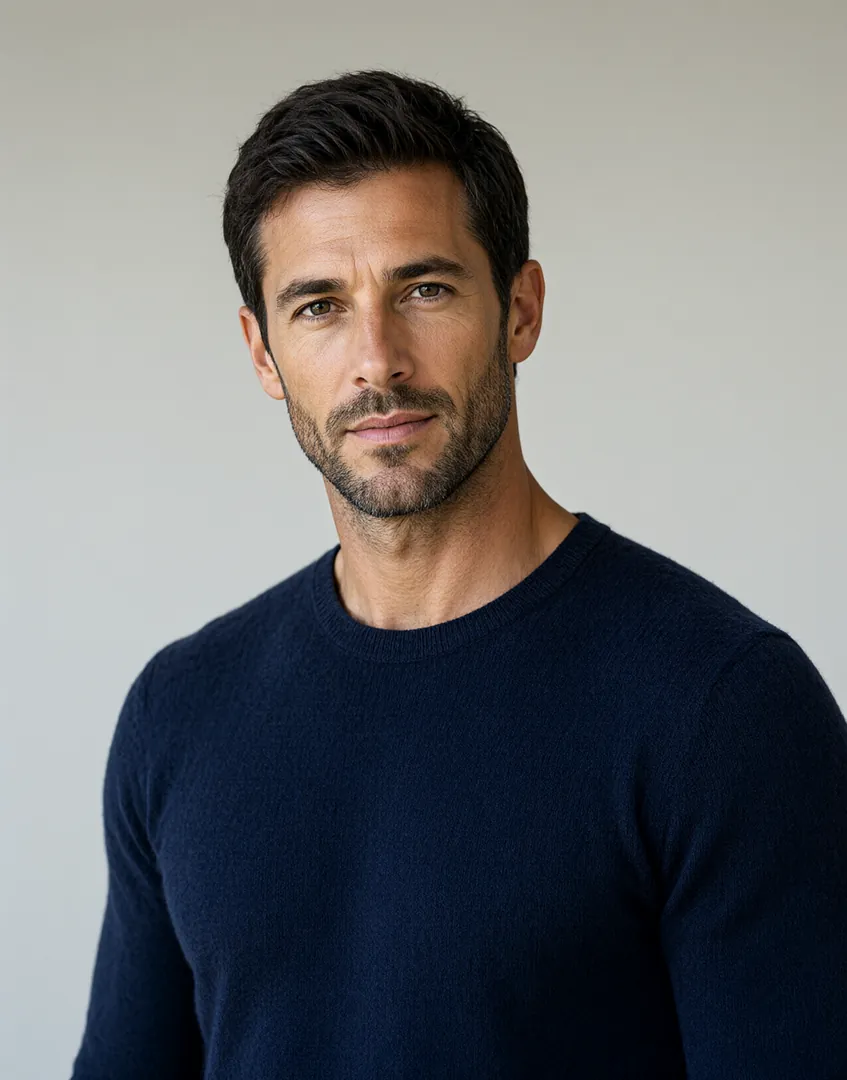
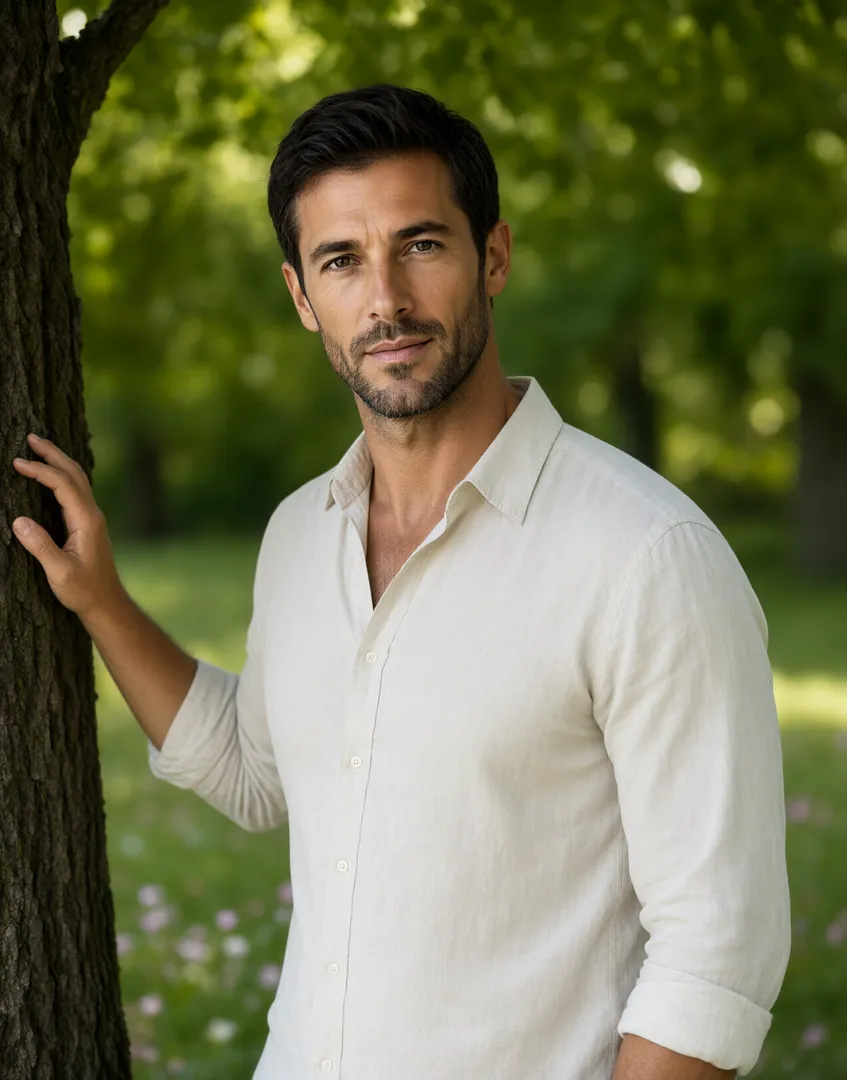
Examples

  • Before
    After
  • Before
    After

How it works

  1. Upload your photoProvide a reference photo to start the process. You can add more images to give additional visual context.
  2. Choose settingsSelect a preset look, pick a frame format, set the mood, and decide the number of frames per look.
  3. Add your wishesType specific requests in "Your wishes" to guide the final composition.

How much it costs

from 10 coins
  • from 10 results: 10% off
  • from 20 results: 20% off

Coins come back if it fails

What it can do

  • Multiple frame formatsSelect a layout that fits your needs from square, portrait, vertical, and landscape options.
  • Flexible mood optionsChoose a serious, smiling, thoughtful, or confident expression, or keep the mood of the look with "As in the look".
  • Customizable framesGenerate one, two, or four images for each selected look to have enough material for editing or sharing.
  • Personalized instructionsAdd specific details to your request to guide the final composition according to your preferences.
  • Face-focused outputYou receive static images of your face in several looks based on the selected preset and settings.

How the AI Photoshoot Works

You begin by uploading a reference photo to establish the base appearance. You can attach additional images to provide broader visual context. Next, you select a preset look from the available options. You receive static images based on your choices. You can also enter specific requests in "Your wishes" to guide the final composition and layout.

Customizing Your Frames

You control the final layout by selecting a frame format. The available options include "As in the photo", "Square 1:1", "Portrait 4:5", "Portrait 2:3", "Vertical 9:16", and "Landscape 16:9". You set the emotional tone by picking "Serious", "Smile", "Thoughtful", "Confident", or keeping "As in the look". You decide how many images appear for each style by choosing 1, 2, or 4 frames.

Using the Generated Images

The created visuals display your face across different styles. You can save the files for personal archives or share them with your network. Each session produces a fresh set of photos based on the inputs you provide. You can adjust the format or mood to explore different visual directions.

Questions and answers

How many images can I provide as references?

Upload one photo of yourself and, if you like, up to two more.

Which frame layouts can I choose?

Pick As in the photo, Square 1:1, Portrait 4:5, Portrait 2:3, Vertical 9:16, or Landscape 16:9.

Can I adjust the facial expression?

Set a serious, smiling, thoughtful, or confident look, or keep the mood of the look.

How many results appear for each style?

Select one, two, or four images per selected look.

Where do I add extra details?

Type specific requests in "Your wishes" to refine the final composition.

Before each run with photos of people you confirm that the people in it agree. If that turns out to be untrue, you are responsible.

TermsRecognised yourself? Let us know

No need to write anything. Everything is set up, start by uploading a photo.

    Necessary cookies keep the site working. With your consent we also use analytics (Yandex Metrica and Umami on our own server) and advertising (VK Ads pixel). You can change your choice any time via "Cookie settings" at the bottom of the site. Learn more