



Bring an old photo to life

An old family photo will turn into a short video.

from 50 coinsCoins come back if it fails

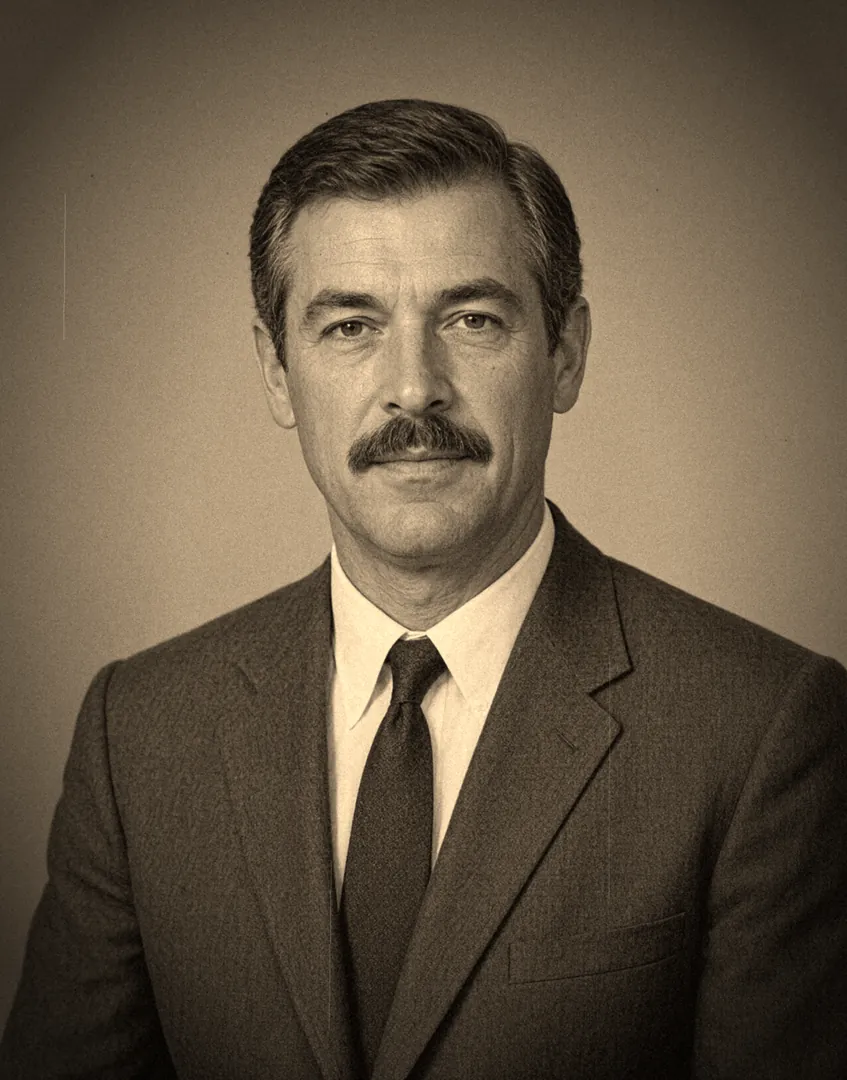
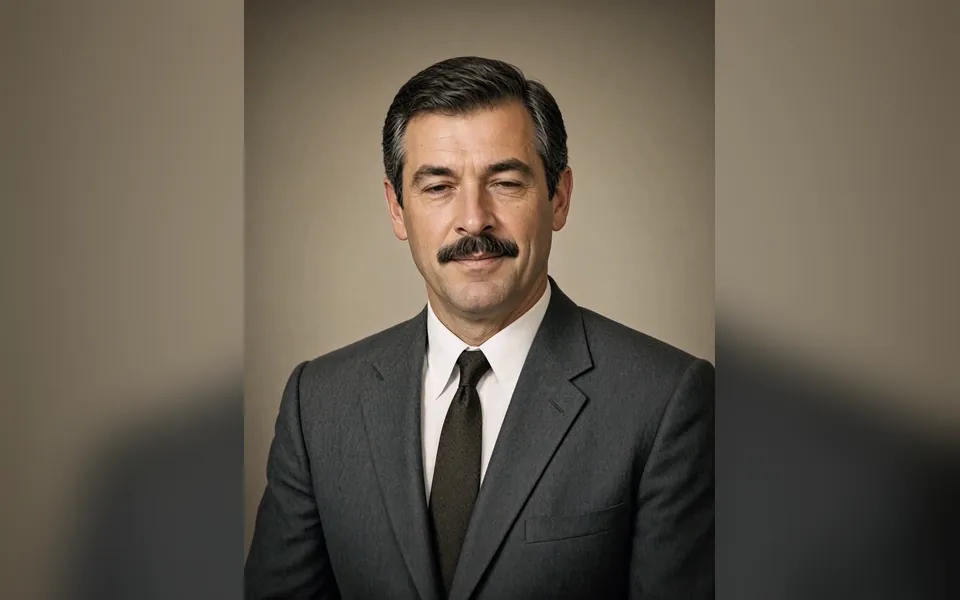
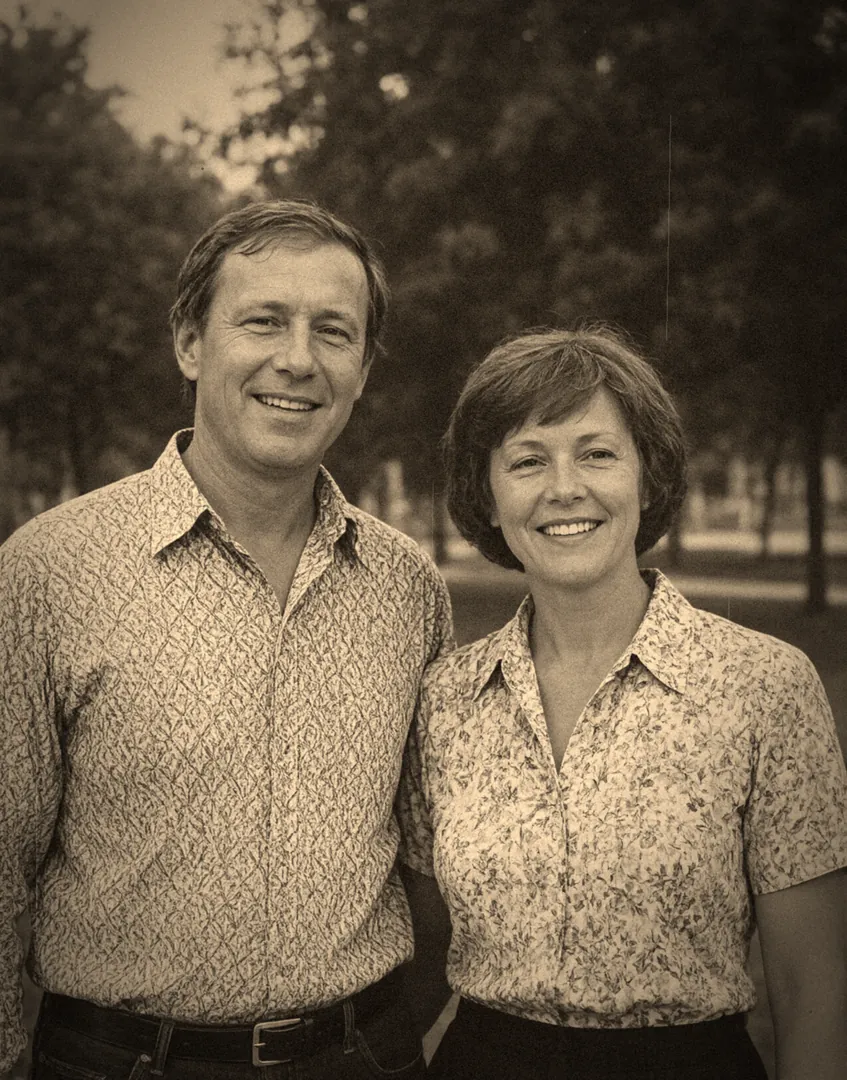
Examples

  • Before
    After
  • Before
    After

How it works

  1. Upload an old photoSelect a static picture of your loved ones to start the process.
  2. Choose a movement typePick from "Smile", "Wave", "Turn head", "Blink and nod", or use the “Your own action” field.
  3. Generate the resultAdjust the Duration and Smoothness settings, then receive a video file.

How much it costs

from 50 coins

Coins come back if it fails

What it can do

  • Multiple motion optionsSelect "Smile", "Wave", "Turn head", "Blink and nod", or enter a custom command in “Your own action”.
  • Flexible duration settingsChoose between "5 s", "10 s", or "5 s, 4K" to match your viewing preferences.
  • Adjustable video smoothnessPick "Standard video" for direct playback or "Smooth video" for fluid motion.

Bring a cherished photograph to life

You upload a static family portrait to transform it into a short moving clip. You decide how the subject moves, selecting from preset gestures like "Smile", "Wave", "Turn head", or "Blink and nod". Need something specific? Type a unique command in “Your own action” to define exactly how the figure should behave. This lets you choose the gesture you remember. The generated clip reflects your chosen direction, turning a preserved memory into a dynamic visual.

Control duration, resolution, and motion flow

Fine-tune the output to match your display needs. Pick "5 s" or "10 s" to set the clip length, or select "5 s, 4K" for sharper details on larger screens. You also choose the motion flow: "Standard video" plays the action directly, while "Smooth video" adds fluid transitions between frames. These adjustments give you full control over the pacing and clarity of the final result. The video aims to keep the person's features while the chosen movement plays out. Save the video file and share it with your loved ones whenever you like.

Questions and answers

Can I specify a custom gesture instead of the preset options?

Yes. Enter your desired command in “Your own action” and the clip will reflect your input.

How does the Smoothness setting change the final clip?

Choose "Standard video" for direct playback, or "Smooth video" for fluid transitions between frames.

What duration and resolution options are available?

Select "5 s", "10 s", or "5 s, 4K" to match your viewing preferences and screen size.

Can I use portraits for this task?

Yes. The output is designed for people photos, and aims to keep facial features while the subject moves.

Can I use the generated video for personal sharing?

Yes. You save the video file and view it later on any device.

Before each run with photos of people you confirm that the people in it agree. If that turns out to be untrue, you are responsible.

TermsRecognised yourself? Let us know

No need to write anything. Everything is set up, start by uploading a photo.

    Necessary cookies keep the site working. With your consent we also use analytics (Yandex Metrica and Umami on our own server) and advertising (VK Ads pixel). You can change your choice any time via "Cookie settings" at the bottom of the site. Learn more