

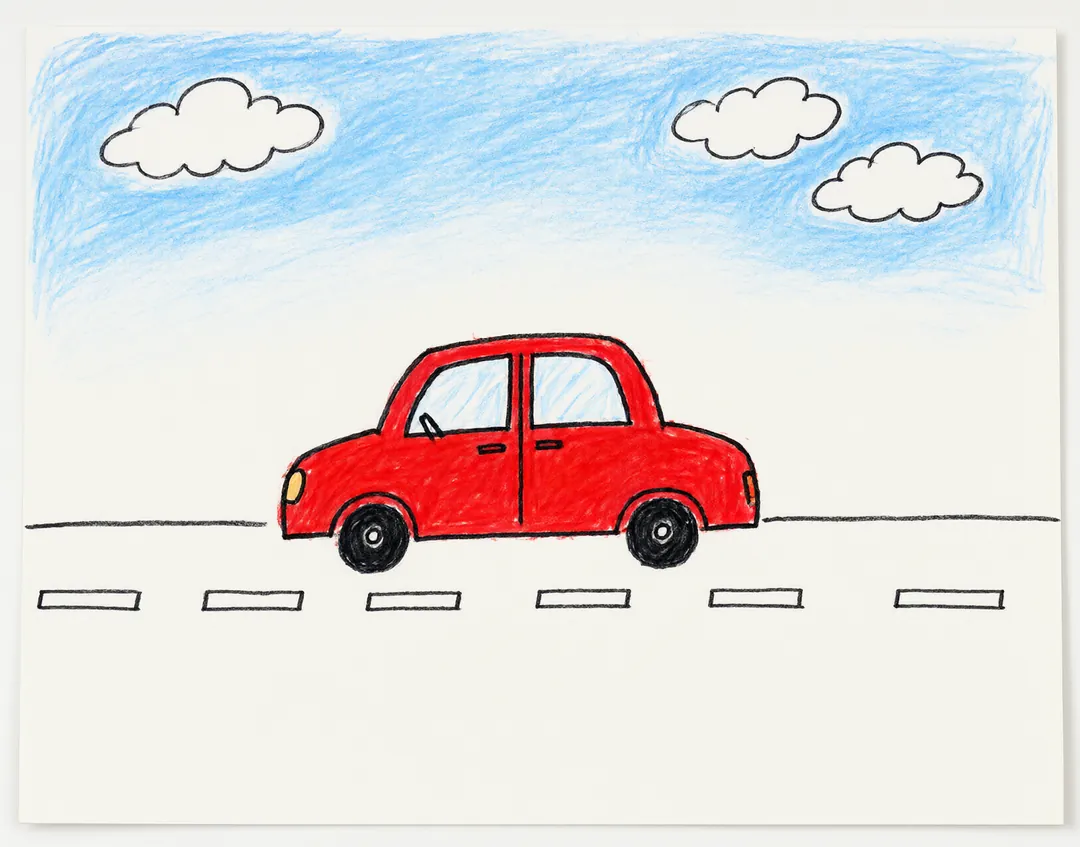
Bring a drawing to life

Transform your sketch into a short animated video. Choose a motion, set the duration, and receive a ready clip for your loved ones.

from 50 coinsCoins come back if it fails

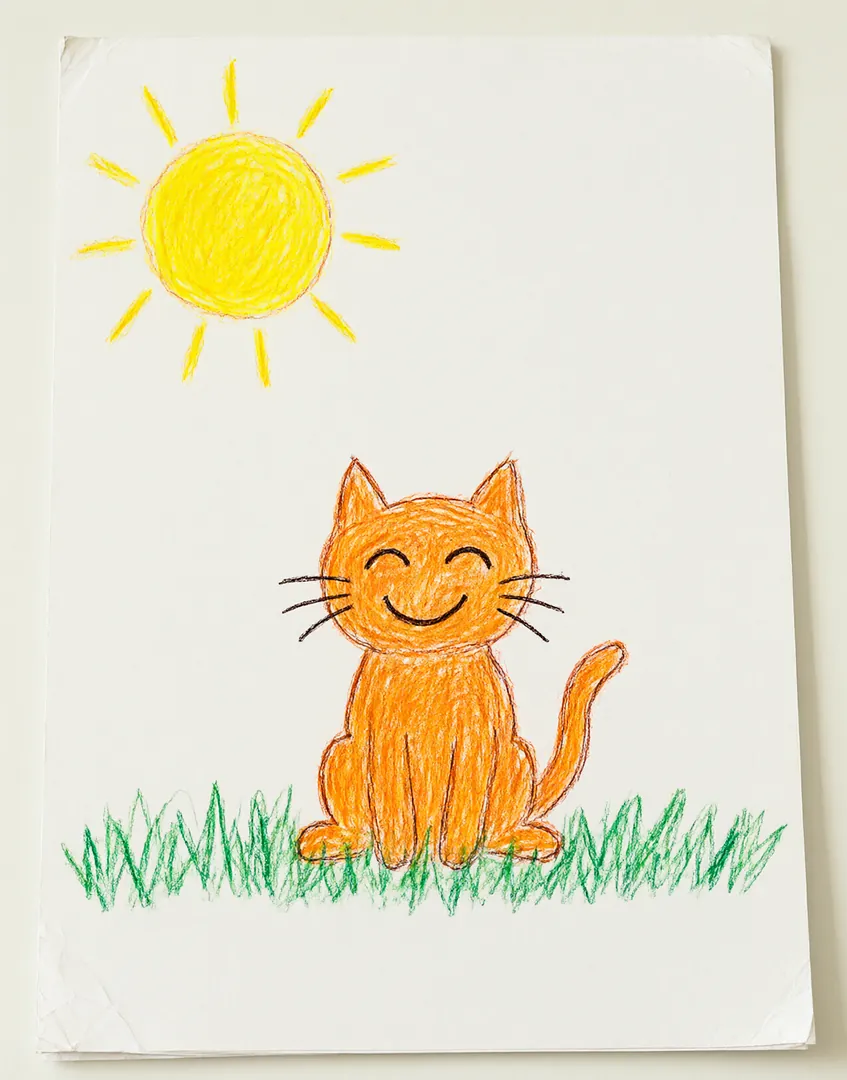
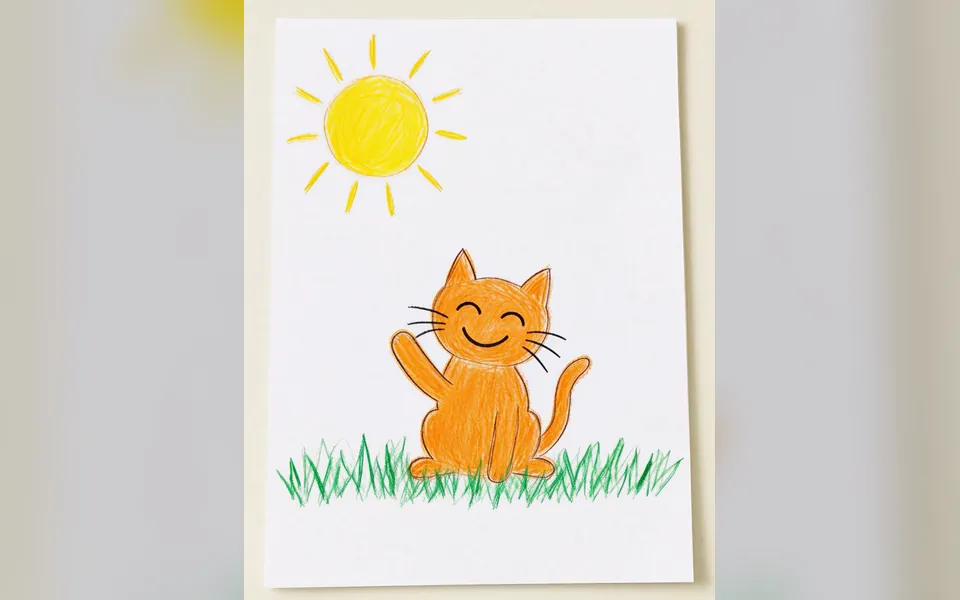
Examples

  • Before
    After
  • Before
    After

How it works

  1. Upload a sketchProvide a clear drawing of a character, animal, or object.
  2. Choose a motionPick a predefined action or choose "Your own" and describe the movement in "Your own action".
  3. Set parametersSelect the desired duration and smoothness level before generating the clip.

How much it costs

from 50 coins

Coins come back if it fails

What it can do

  • Multiple motion presetsSelect from "Smile", "Wave", "Turn head", "Blink and nod", or enter a custom command.
  • Flexible duration optionsChoose between "5 s" and "10 s", or a "5 s, 4K" clip.
  • Adjustable smoothnessOpt for "Standard video" playback or a smoother motion transition.
  • Direct video exportReceive a video clip ready for your preferred sharing method.

Transform Drawings into Moving Clips

A static illustration turns into a short video. Whether you start with a sketch of a cat, a dragon, or a vehicle, the final clip brings the drawing to life. You control the movement direction and choose from specific actions like smiling, waving, turning the head, or blinking and nodding. The result is a video file based on your choice of motion.

Customize Length and Playback Style

The duration of your clip depends on your preference. You can generate a five-second video, extend it to ten seconds, or create a five-second version in 4K resolution. The playback smoothness adjusts to your needs, offering a standard video flow or a smoother transition. You receive a complete video file ready for your personal collection or sharing with your loved ones. The original drawing remains the visual base, while the chosen motion defines the final presentation.

Questions and answers

Can I upload a sketch of any subject?

Yes, you can provide drawings of animals, vehicles, characters, or original objects. The output matches your selected movement.

How do I select a custom movement?

Choose the "Your own" option and type the desired action in the text field. The generated video will follow your instructions.

What video resolutions are available?

You can select a 5-second clip in 4K resolution or choose between 5 or 10 seconds for standard playback.

Can I adjust the motion smoothness?

Yes, you can pick between "Standard video" and "Smooth video" options. The setting changes how the animation transitions.

Is the final file ready for sharing?

You receive a complete video clip that matches your selected duration and settings. It is ready for download and distribution.

Everything is ready to go.

    Necessary cookies keep the site working. With your consent we also use analytics (Yandex Metrica and Umami on our own server) and advertising (VK Ads pixel). You can change your choice any time via "Cookie settings" at the bottom of the site. Learn more