



Photo from a description

Create a unique image using a text description. Upload reference photos and choose a style to shape the final result. You receive an image tailored to your input.

from 10 coins per imageCoins come back if it fails

Examples

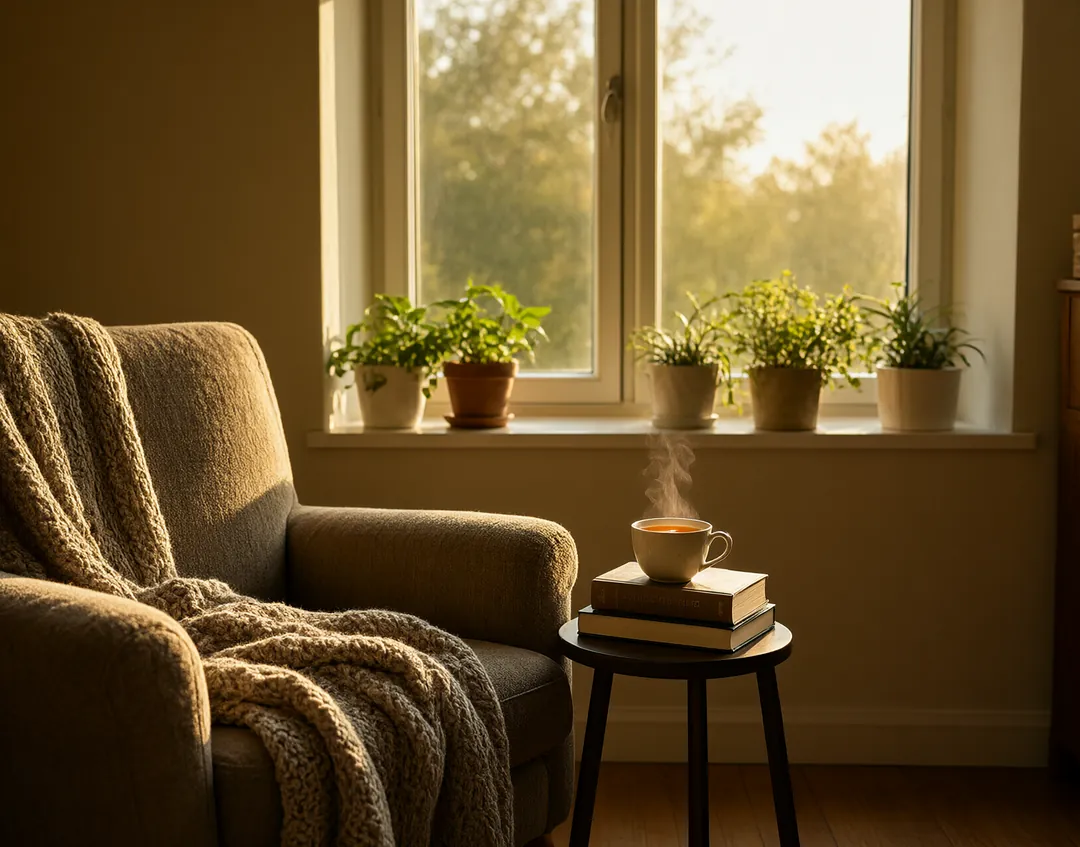
  • Reading nook by a window at golden hour
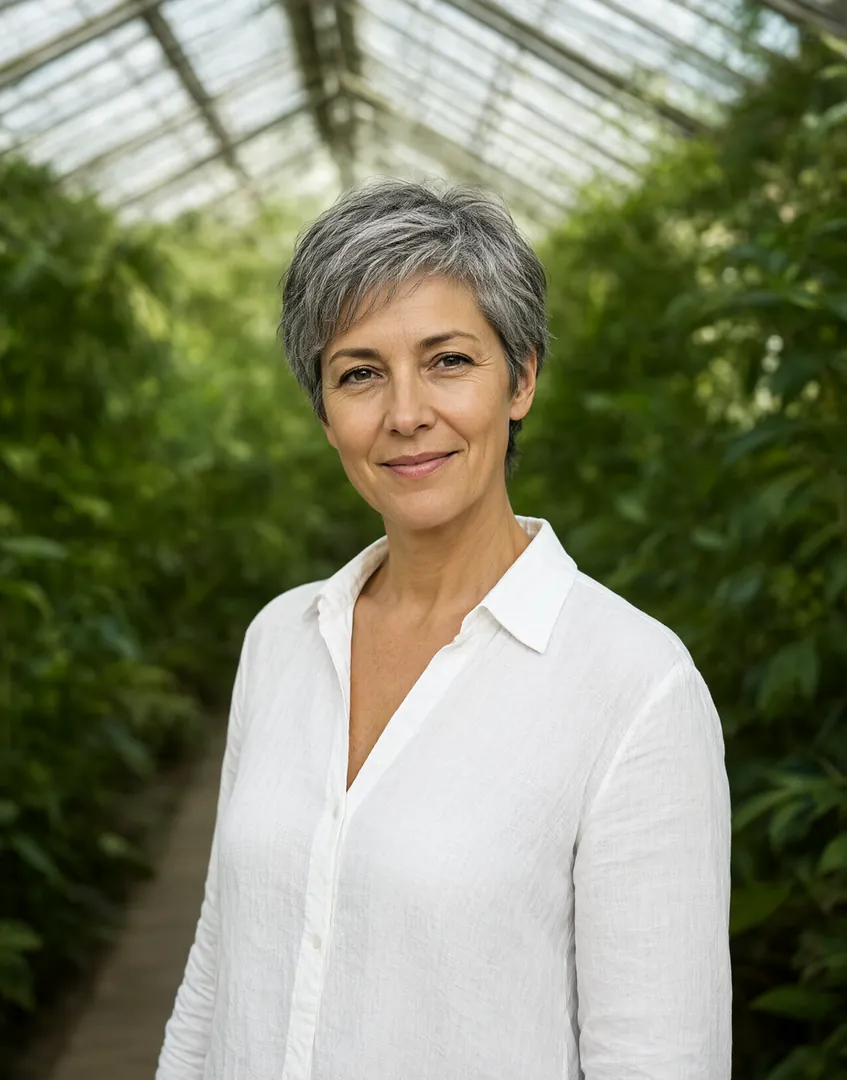
  • Portrait of a 45-year-old woman with grey hair in a greenhouse
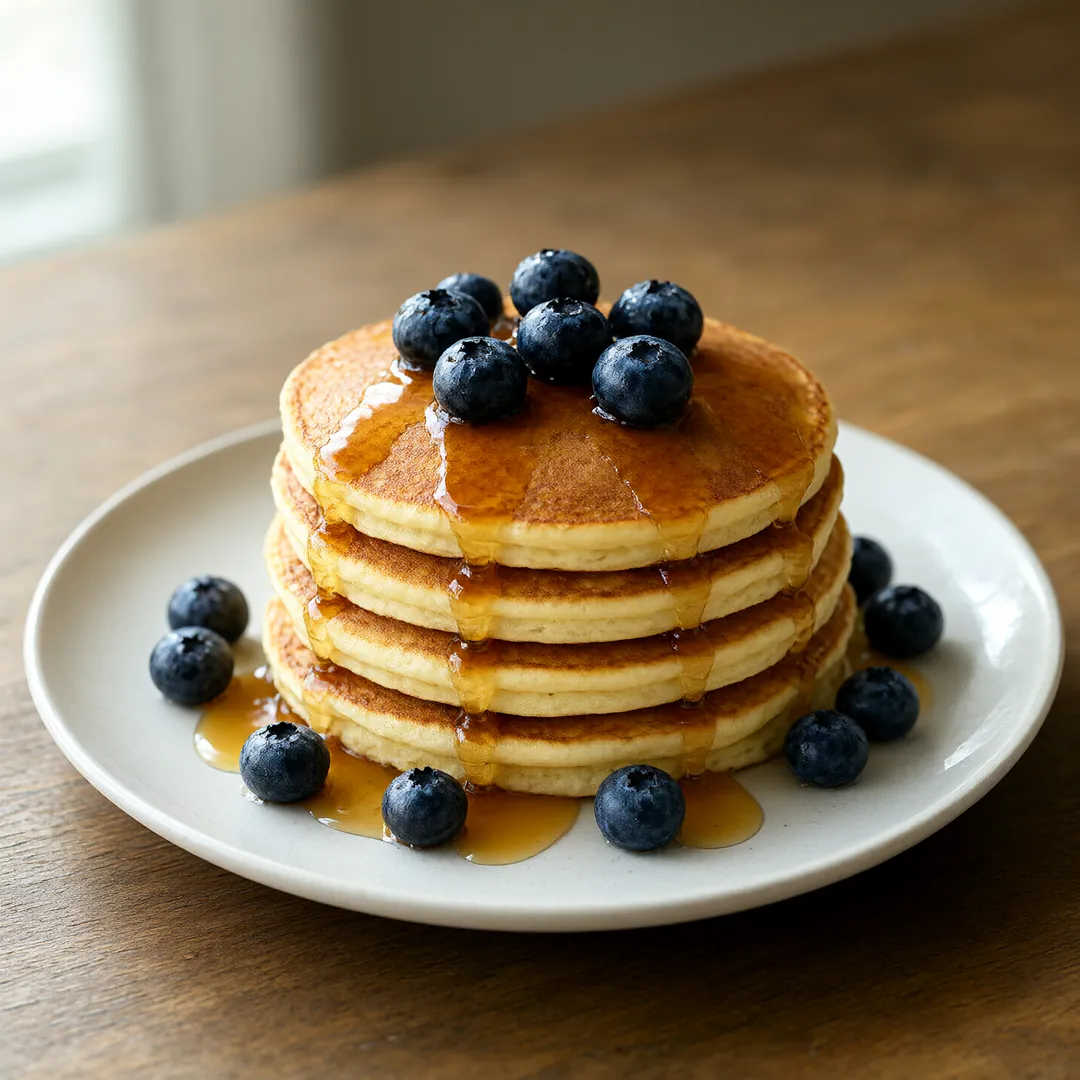
  • Stack of pancakes with blueberries

How it works

  1. Write a descriptionProvide a clear text prompt that outlines the subject, setting, and mood. Your input forms the foundation of the visual output.
  2. Add reference photosUpload optional images to guide the composition. These files help shape the layout and visual direction of the final image.
  3. Select a styleChoose a visual theme or artistic direction. You set the appearance to match your creative preference.

How much it costs

from 10 coins per image

Coins come back if it fails

What it can do

  • Text to image generationTurn descriptive text into a complete visual composition. The image captures the subjects and settings you specify.
  • Reference photo supportAttach images to establish composition guidelines. Your references anchor the layout and spatial arrangement.
  • Style customizationApply a chosen visual theme to define the mood. You control the color palette and artistic tone of the final image.
  • People photo creationCreate images featuring human subjects. You get portraits and group scenes based on your prompts.

Transform your ideas into images

Start with a clear text description that captures the subject, background, and overall mood. Your written prompt serves as the primary guide for the visual creation. You can adjust the wording to refine details until the initial draft aligns with your vision. The result appears as a complete image that reflects the elements mentioned in your text.

Guide the composition with references

Upload optional reference photos to establish the layout and structure. These images provide a visual baseline that helps shape the arrangement of elements in the final output. You maintain control over the composition by selecting which files to attach. The reference material works alongside your text to support the intended perspective and spatial relationships.

Apply a consistent visual theme

Choose a style setting to define the artistic direction. You select colors, lighting, and rendering techniques to match your preferred aesthetic. This option helps the final image reflect a unified look throughout the entire scene. You can switch between different visual themes to find the specific atmosphere that matches your project requirements.

Questions and answers

How does the text description affect the output?

Your written prompt outlines the subject, setting, and core details. Specific wording helps shape the final image.

Can I upload multiple reference photos?

Yes, you can attach up to three reference images to guide the composition. These files work together to shape the layout, perspective, and structural elements of the final image.

What happens if I skip the style selection?

The generation relies on your text description and reference photos. You can adjust the output by refining those inputs.

Is it possible to create images of people?

Yes, you can create photos featuring human subjects. Describing faces, clothing, and poses in your text shapes the final portrait or group composition.

How long does the creation process take?

The output appears in a few minutes. You receive the image file once the process finishes.

Before each run with photos of people you confirm that the people in it agree. If that turns out to be untrue, you are responsible.

TermsRecognised yourself? Let us know

Everything is ready to go.

    Necessary cookies keep the site working. With your consent we also use analytics (Yandex Metrica and Umami on our own server) and advertising (VK Ads pixel). You can change your choice any time via "Cookie settings" at the bottom of the site. Learn more