



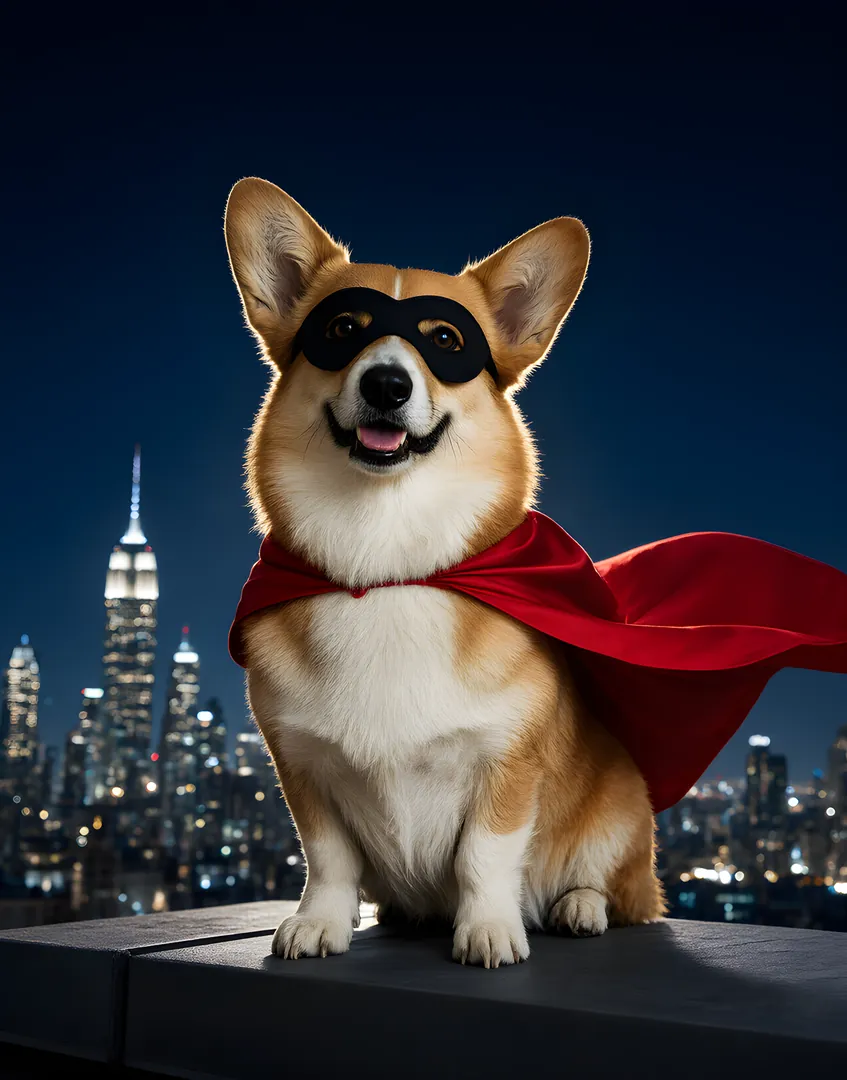
Pet in costume generator

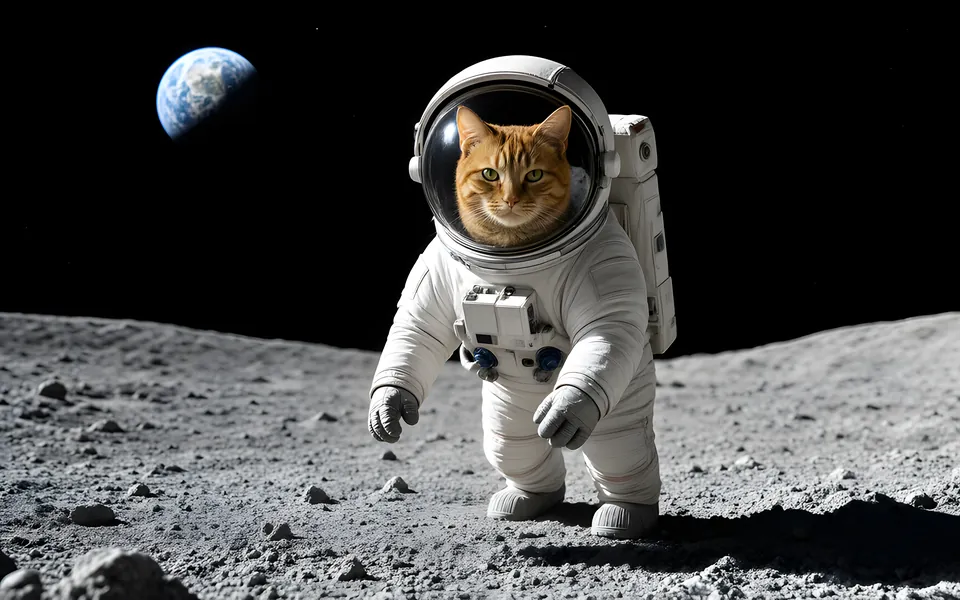
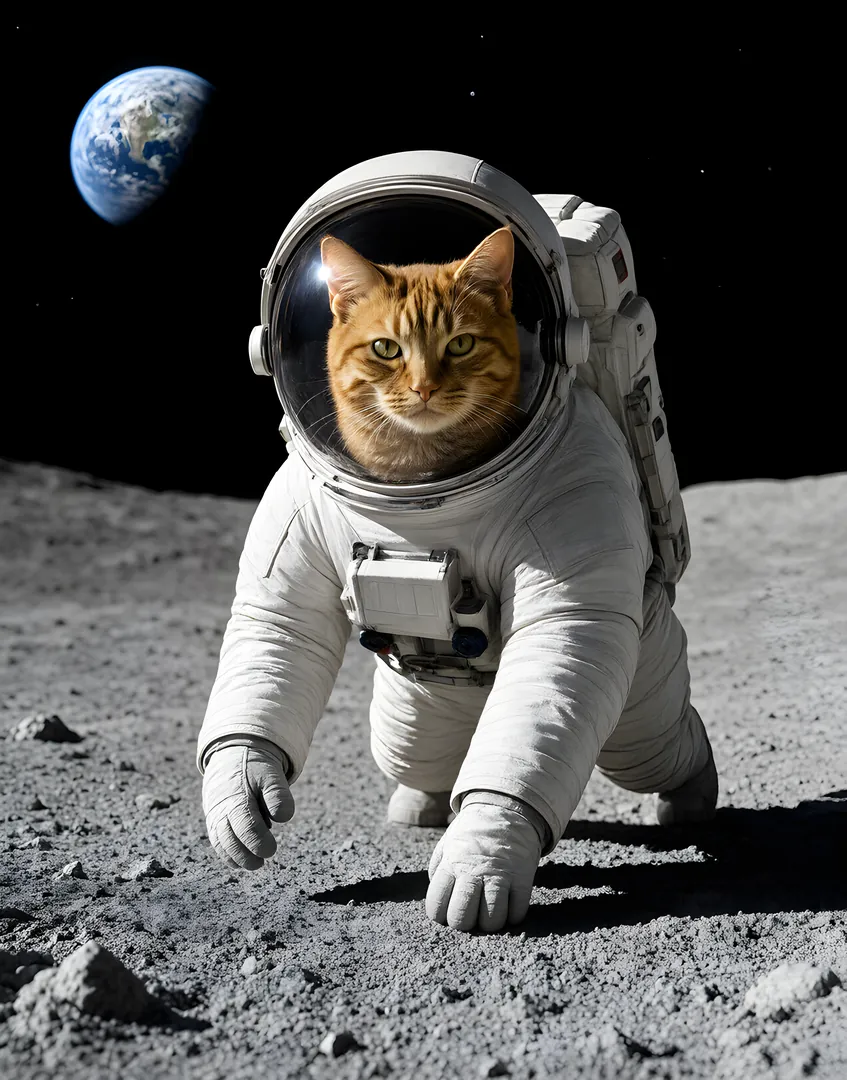
Turn your cat or dog into an astronaut, superhero, or Ded Moroz (Father Frost) with custom images and videos.

from 10 coinsCoins come back if it fails

Examples

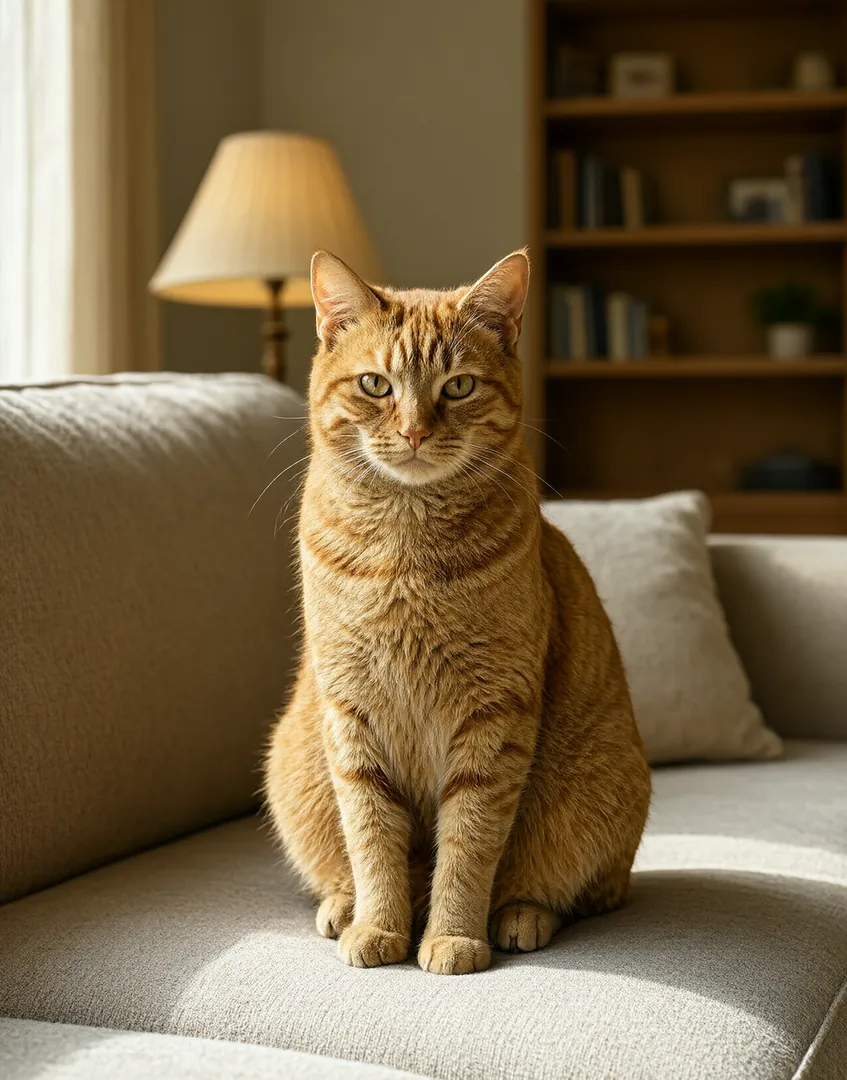
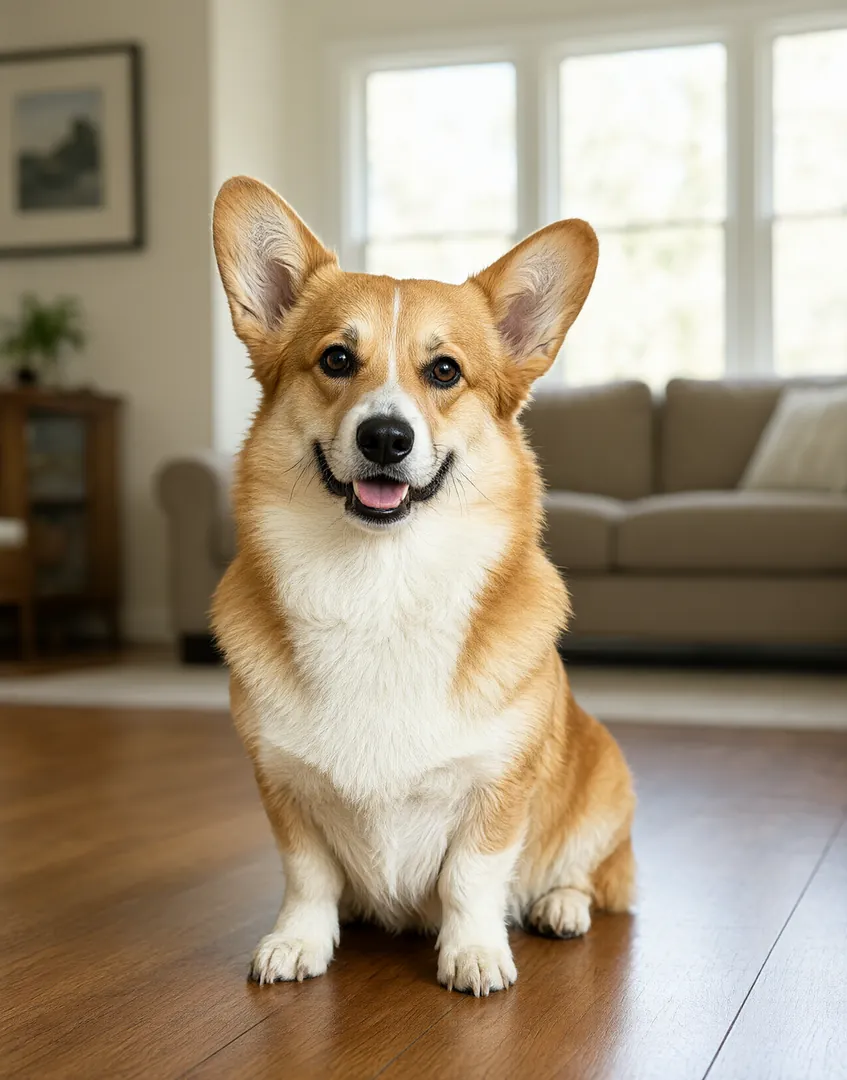
  • Before
    After
  • Before
    After
  • Before
    After

How it works

  1. Upload pet photoProvide a clear photo of your cat or dog to start the transformation.
  2. Select costume and frameChoose a preset outfit and pick a frame format such as "Square 1:1" or "Vertical 9:16".
  3. Set video action and generateDescribe what happens in the video and choose a static "Photo" or a "Video 5 s" clip.

How much it costs

from 10 coins

Coins come back if it fails

What it can do

  • Custom costume presetsDress your pet as an astronaut, superhero, or Ded Moroz (Father Frost) with ready-made styles.
  • Flexible frame formatsMatch your content needs with options like "Portrait 4:5", "Landscape 16:9", or "As in the photo".
  • Photo and video outputGenerate a single image or create a 5-second video clip based on your prompt.
  • Custom video action textDescribe specific movements or scenes to shape the final video.
  • Direct pet photo inputUpload your own animal photo to apply the chosen costume preset.

Create custom pet characters

You upload an animal photo and apply a chosen costume preset to generate a polished visual result. This approach works well for holiday greetings, social media posts, or private archives.

Choose the right frame format

Select a frame that fits your display needs. Options include "As in the photo", "Square 1:1", "Portrait 4:5", "Portrait 2:3", "Vertical 9:16", and "Landscape 16:9". Each layout adapts the final image or clip to different screens and publishing spaces. You pick the format that best suits your intended use.

Add motion to still images

Switch from a static picture to a short clip by choosing the "Video 5 s" option. Provide a text description in the "What happens in the video" field to guide the scene. The generated clip runs for 5 seconds and captures the action you described. You can combine different action prompts with the same costume preset to build a series of matching clips.

Questions and answers

Can I use any pet photo?

Clear images of your cat or dog work best. The output adapts directly to your uploaded photo.

How many frame formats are available?

You can choose between six layouts: "As in the photo", "Square 1:1", "Portrait 4:5", "Portrait 2:3", "Vertical 9:16", and "Landscape 16:9".

What is the video duration?

The "Video 5 s" option produces a clip that runs for 5 seconds. You guide the scene with a text prompt.

Can I create both images and videos?

Select "Photo" or "Video 5 s" before generation. The final output matches your chosen format and frame settings.

Is professional editing required?

No. You provide the pet photo, pick a costume, and set the frame. The final visual result appears without extra editing steps.

Everything is ready to go.

    Necessary cookies keep the site working. With your consent we also use analytics (Yandex Metrica and Umami on our own server) and advertising (VK Ads pixel). You can change your choice any time via "Cookie settings" at the bottom of the site. Learn more