



Mother's Day video greeting

Create a personal video message for mom and your loved ones using your photo, name, and a short greeting.

from 100 coinsCoins come back if it fails

Examples

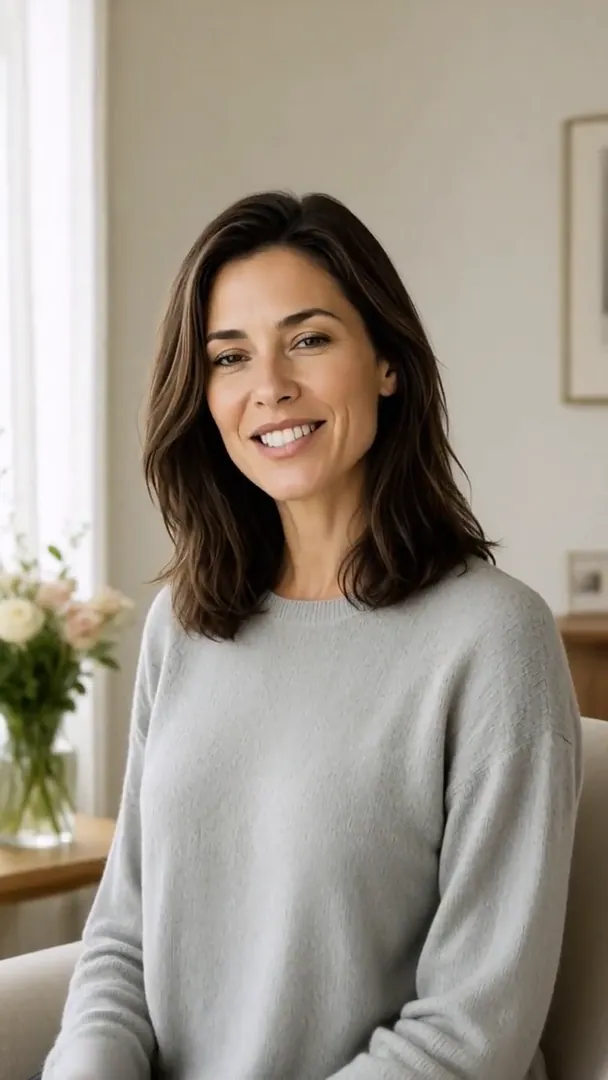
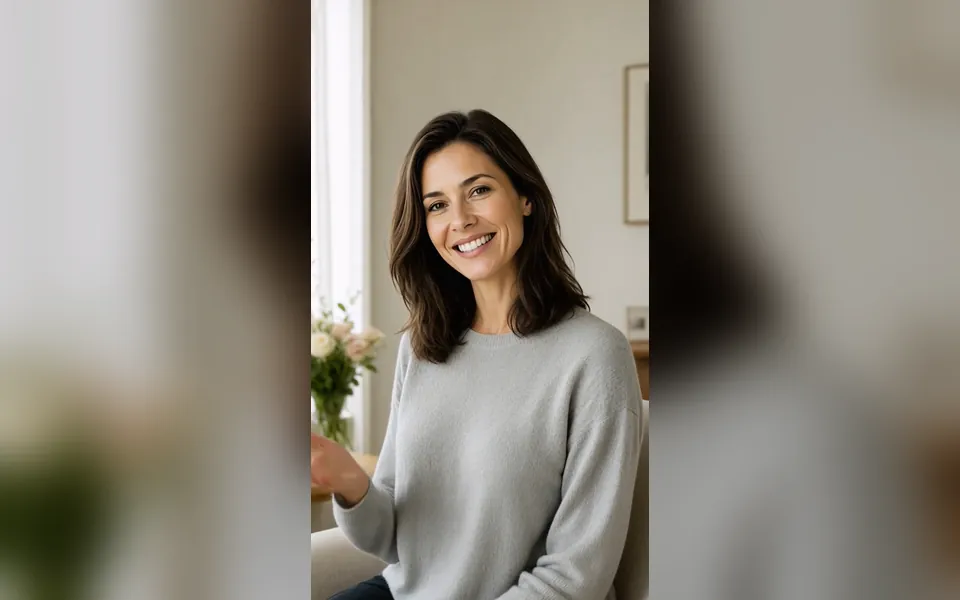
  • Before
    After
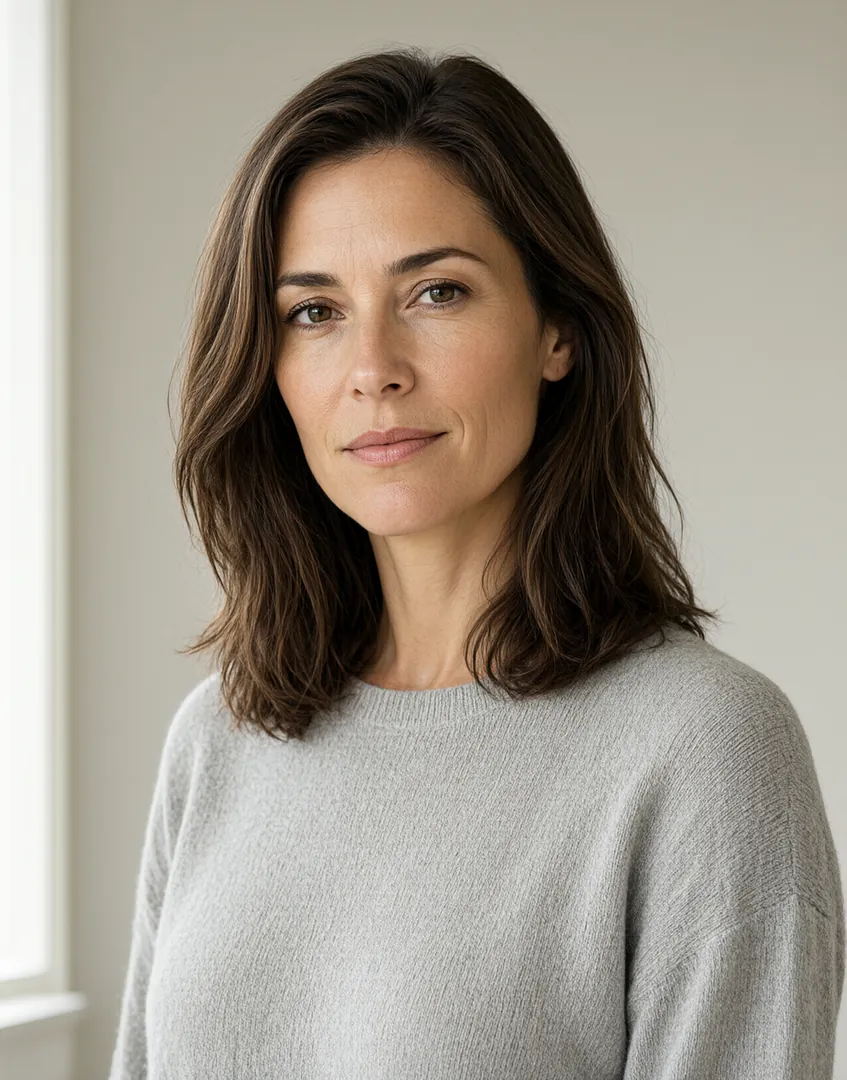
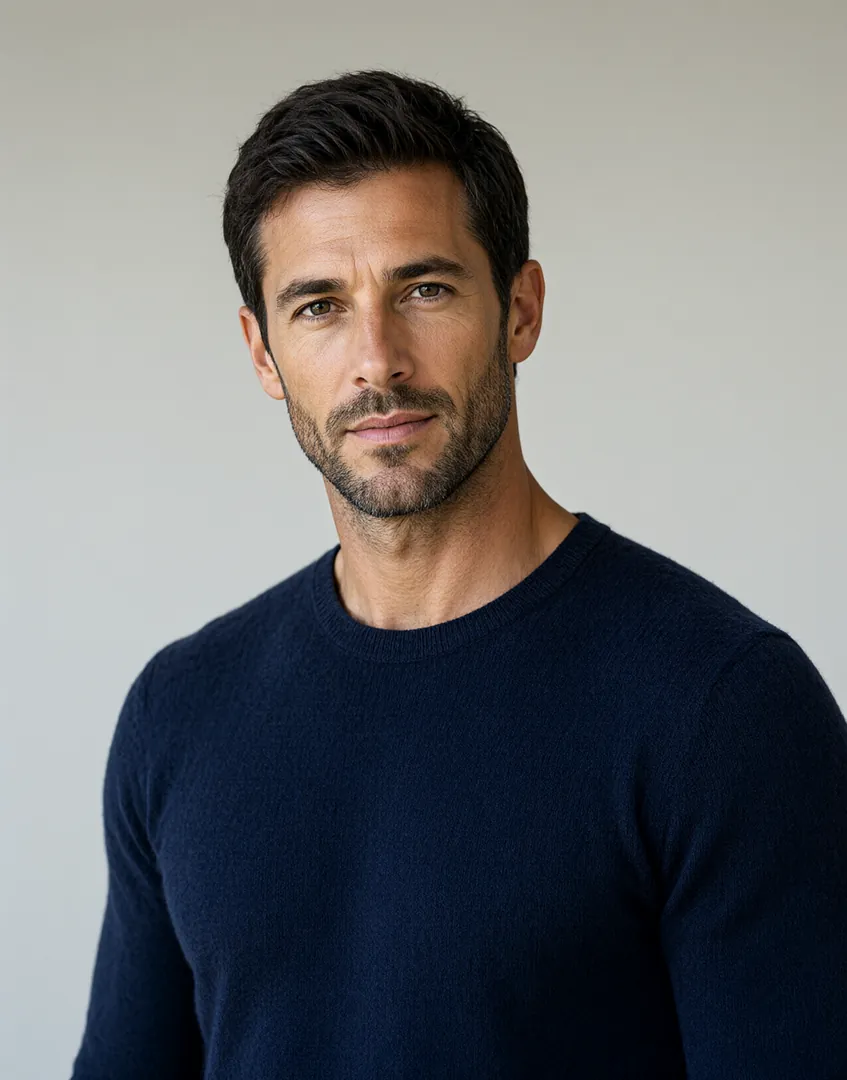
  • Before
    After

How it works

  1. Select recipient and layoutChoose who receives the greeting and pick "Vertical 9:16 (stories)" or "Horizontal 16:9 (screens)" layout.
  2. Upload your photoProvide a clear image that shows your face without obstructions.
  3. Add the name and messageEnter the name to address and type a short greeting of up to 30 words.

How much it costs

from 100 coins

Coins come back if it fails

What it can do

  • Personalized face and messageThe video shows you and speaks the greeting you wrote.
  • Custom greeting textWrite a unique message of up to 30 words for the recipient.
  • Flexible video formatsChoose "Vertical 9:16 (stories)" for feeds or "Horizontal 16:9 (screens)" for displays.
  • Tailored for loved onesDirect the greeting to mom or your loved ones.

A personal touch for Mother's Day

Creating a video greeting brings warmth to the celebration. You combine your photo with a short written message to deliver a unique tribute. The process requires only a clear image and a few words. You choose the recipient from a list of options and select the preferred layout. You select between "Vertical 9:16 (stories)" and "Horizontal 16:9 (screens)". The final result captures your expression and words, making the tribute feel genuine.

How the greeting takes shape

You start by selecting the target audience. The video adopts the chosen layout. Next, you upload a recent photo that clearly shows your face. This image becomes the visual base for the clip. After that, you enter the name you want to use and type your message. The text limit stays within 30 words, which keeps the focus on the core sentiment. In the final clip, your words are spoken aloud.

Why this format works well

Video messages stand out among traditional cards. They carry emotion through picture and speech. You control the content completely, from the chosen layout to the exact phrasing. The video matches the selected format for proper display on any device. The clip reaches your loved ones with a personal and direct tone. You prepare the photo, the name, and the words to generate the clip.

Questions and answers

Which layouts are available?

You select between "Vertical 9:16 (stories)" and "Horizontal 16:9 (screens)". Pick the one that fits where you will share the video.

How many words fit in the message?

You write up to 30 words for the greeting. This limit keeps the focus on your main sentiment.

What kind of photo works best?

You provide a clear image that shows your face without obstructions. Good lighting improves the final result.

Can I send the greeting to multiple people?

You create one video per recipient. The process allows you to customize the address and message for each person.

What tools do you need to start?

You only need a photo, a name, and a short text to generate the clip.

Before each run with photos of people you confirm that the people in it agree. If that turns out to be untrue, you are responsible.

TermsRecognised yourself? Let us know

No need to write anything. Everything is set up, start by uploading a photo.

    Necessary cookies keep the site working. With your consent we also use analytics (Yandex Metrica and Umami on our own server) and advertising (VK Ads pixel). You can change your choice any time via "Cookie settings" at the bottom of the site. Learn more