



Try a renovation

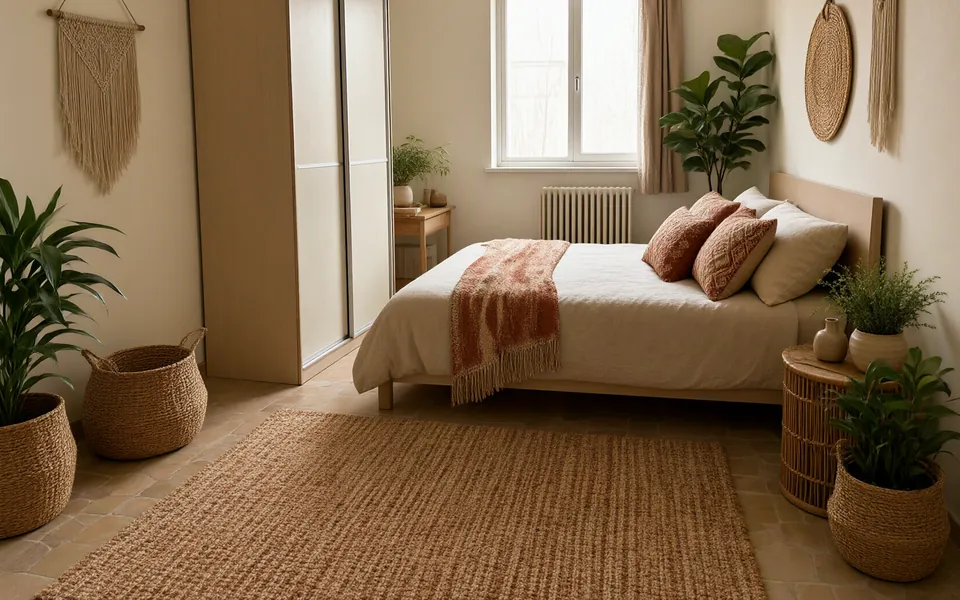
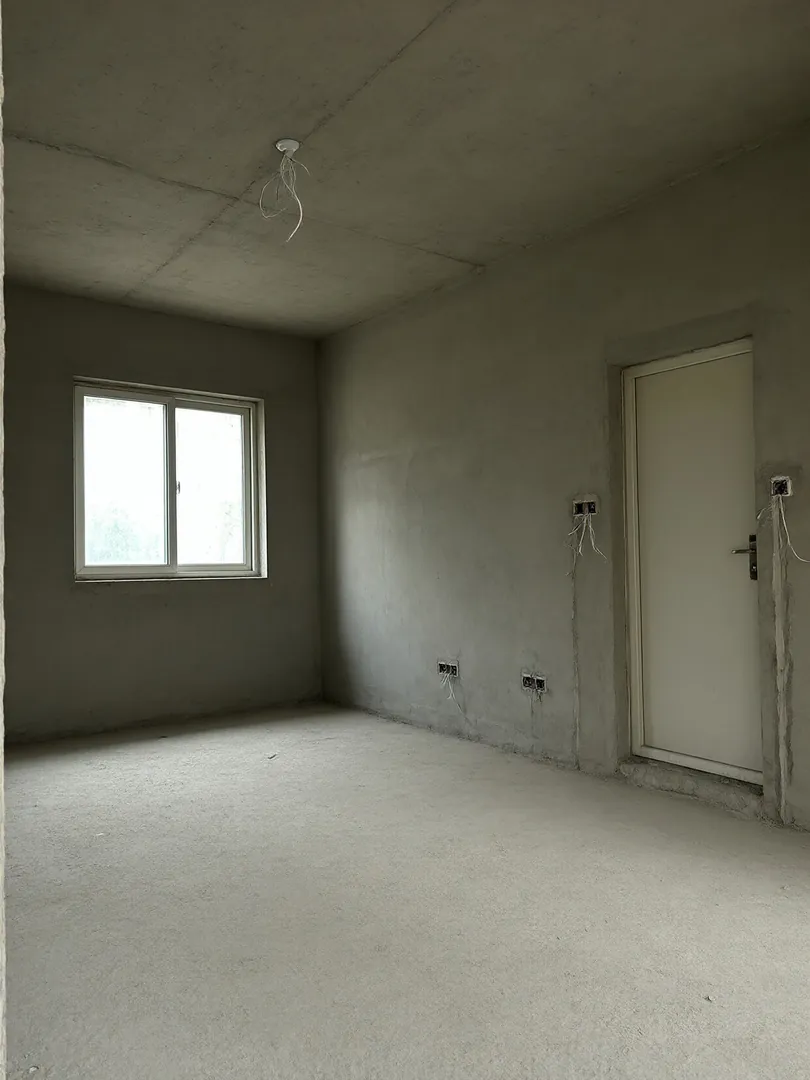
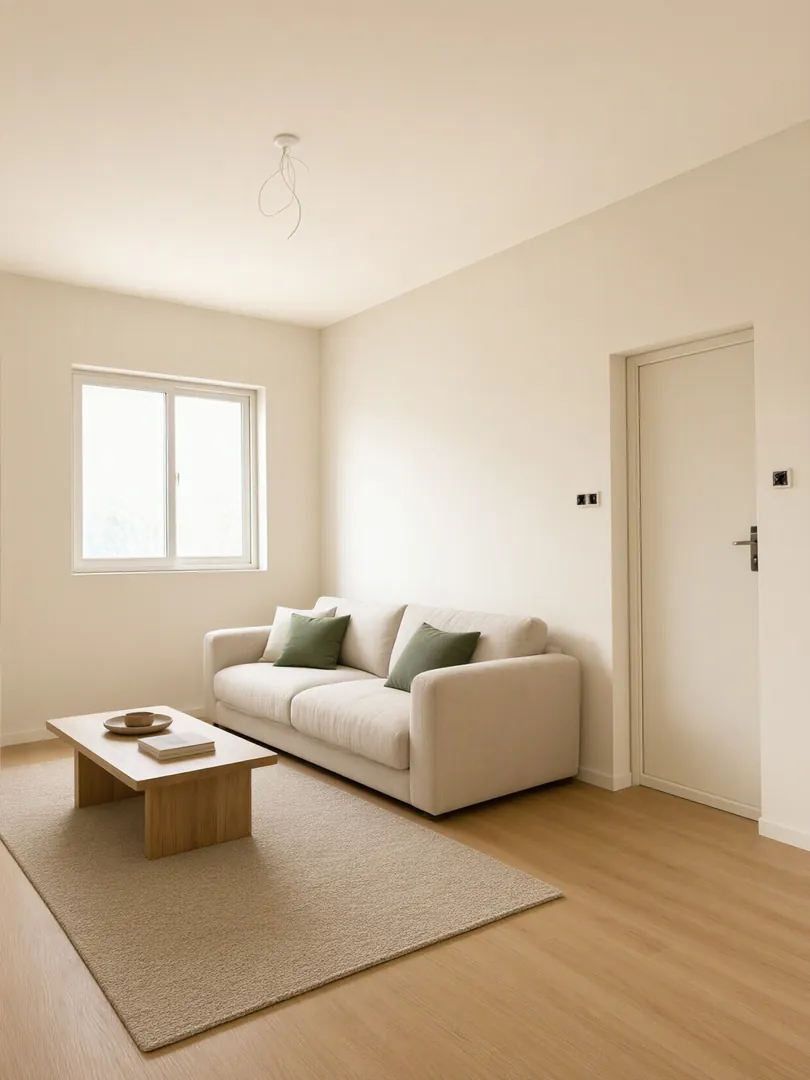
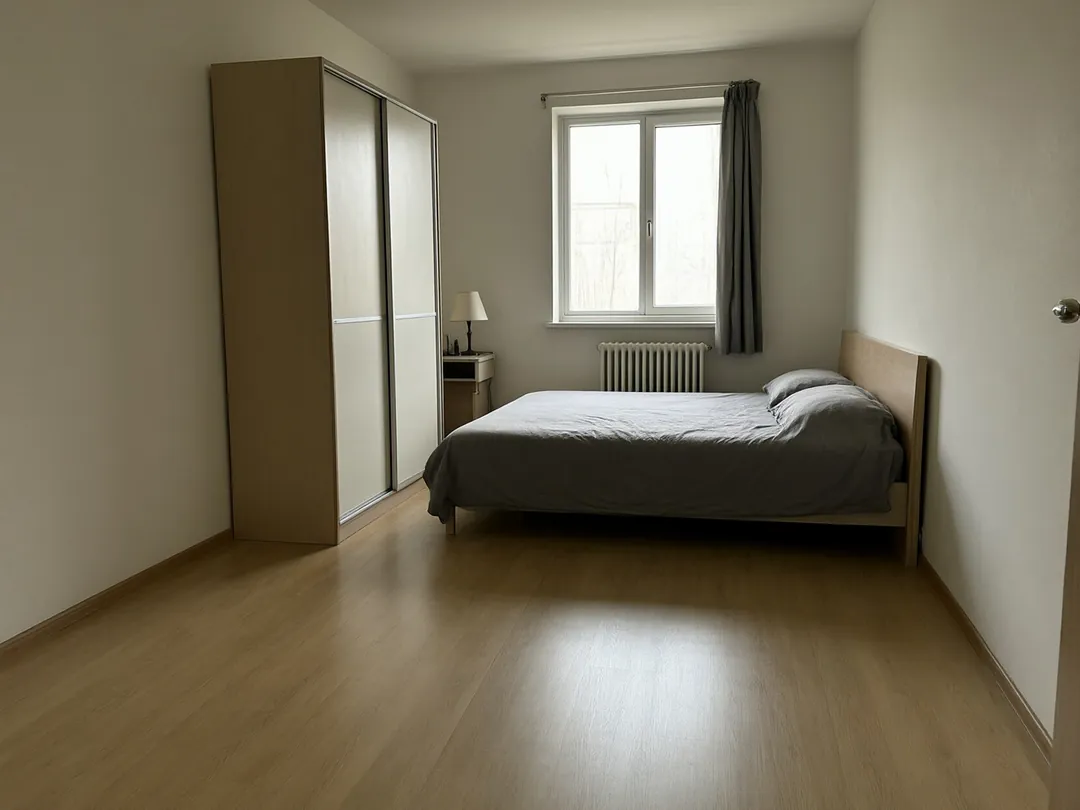
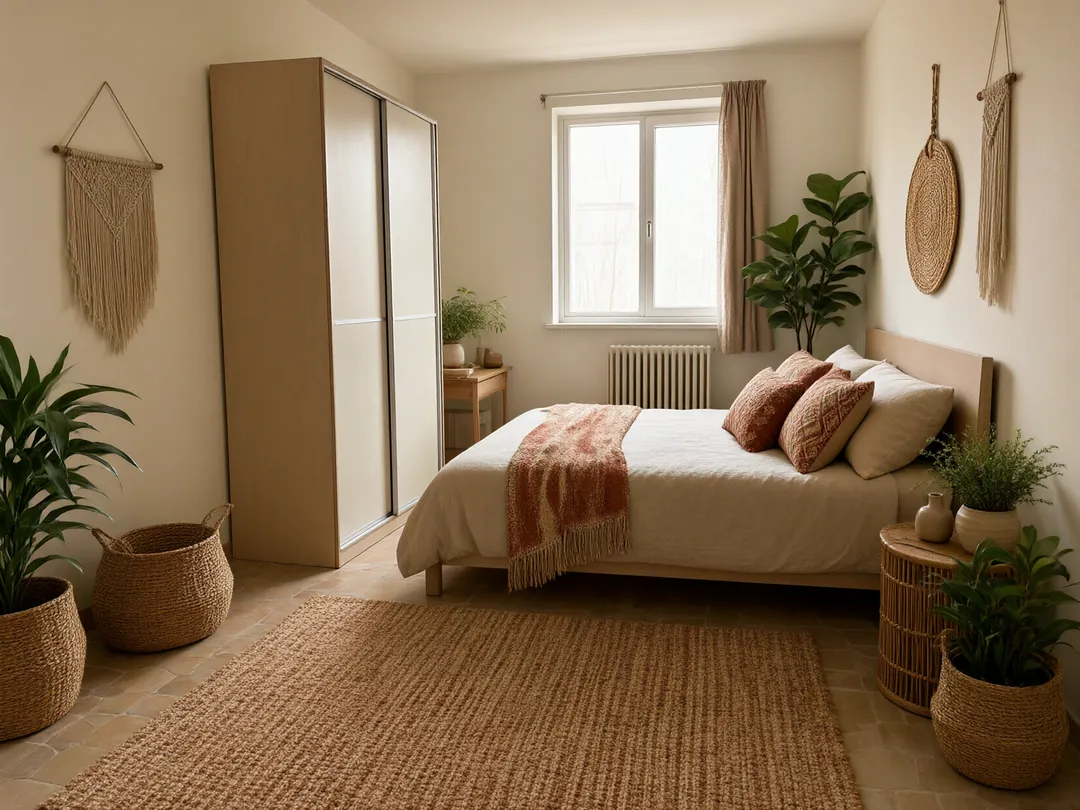
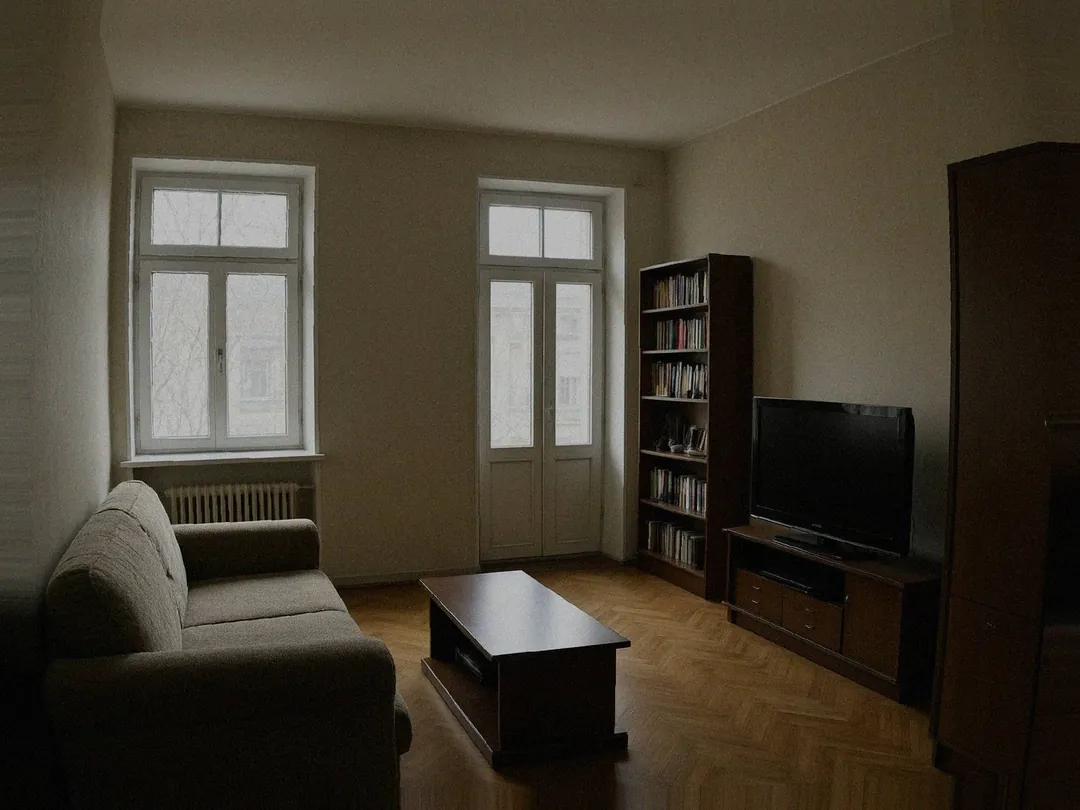
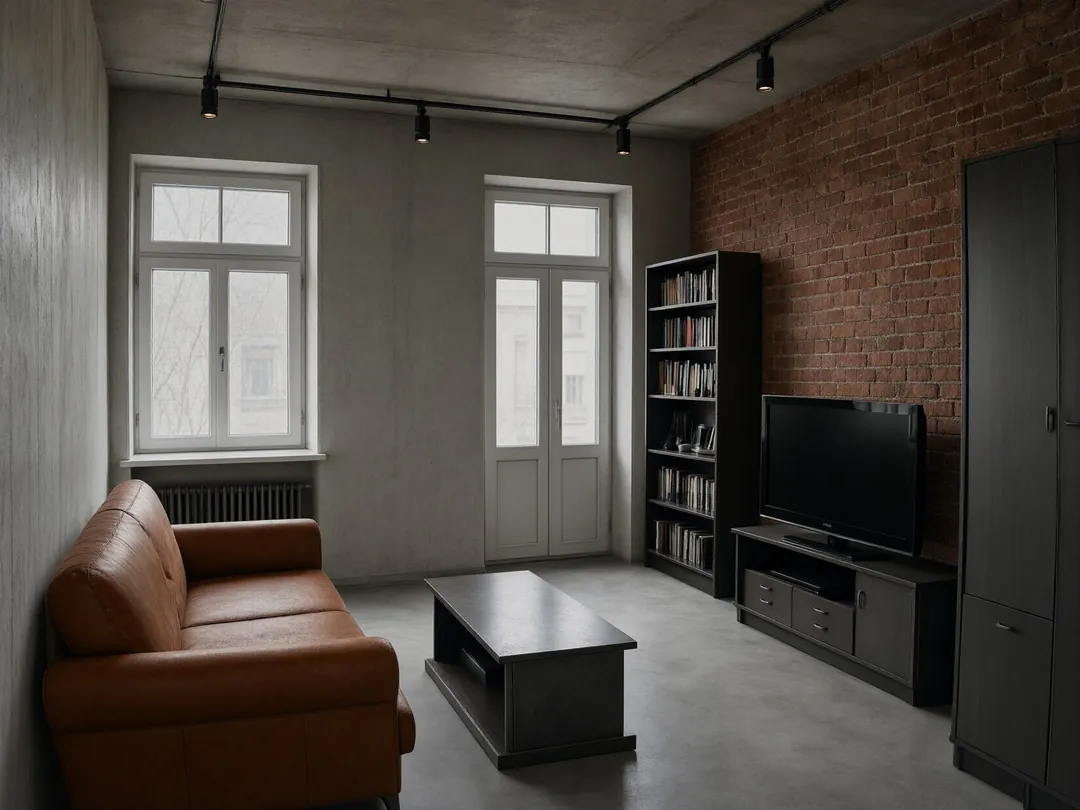
Photograph a room and explore different styles. Show the result to your contractor or your loved ones. Layout, windows, and doors remain unchanged, while furniture adapts to the chosen style.

from 10 coinsCoins come back if it fails

Examples

  • Before
    After
  • Before
    After
  • Before
    After

How it works

  1. Upload a room photoSelect the "Room photo" option and add a clear image of the space you want to transform.
  2. Choose a design stylePick a preset from the "Styles" menu to define the visual direction of the renovation.
  3. Adjust flooringUse the "Floor" choice to either apply a "Restyle" to the ground surface or select "Keep as is".

How much it costs

from 10 coins

Coins come back if it fails

What it can do

  • Layout preservationYour existing walls, windows, and doors stay in place while furniture adapts to the new aesthetic.
  • Style adaptationSee how different design directions transform the interior before making physical changes.
  • Floor customizationUpdate the ground surface to match your vision or keep the original material with one click.
  • Clear sharingGenerate images to discuss renovation ideas with your contractor or family members.

Visualize renovation concepts

Uploading a photograph of your space allows you to explore how different design directions transform the interior. Furniture, decor, and color schemes adapt to match your preferred aesthetic. You receive a visual preview that reflects your chosen theme while keeping the original architectural framework intact. This approach helps you evaluate multiple looks before committing to physical changes.

Control over interior details

Your existing layout stays intact, meaning windows, doors, and wall structures remain unchanged. You decide how the ground surface should look by selecting the "Restyle" option to update the flooring, or you choose "Keep as is" to preserve the original material. Furniture is replaced to match the selected style.

Streamline renovation planning

Generating clear previews helps you communicate your vision effectively. Sharing these images with your contractor or your loved ones lets everyone see the proposed changes clearly. You avoid costly mistakes by testing combinations digitally before purchasing materials. The process turns abstract ideas into concrete visual plans, making every renovation decision confident and well-informed.

Questions and answers

Does the preview change the room layout?

No, the original arrangement of walls, windows, and doors stays the same. Only decorative elements and furniture adapt to the selected style.

Can I keep the original flooring?

Yes, you can select the "Keep as is" option in the "Floor" menu to preserve the existing ground surface while updating other interior elements.

How do I share the result with my contractor?

You download the generated image and send it directly through your preferred communication channel. The preview clearly shows the proposed changes.

What types of rooms work best?

Any indoor space captured in a clear photograph works well. Living rooms, bedrooms, and kitchens are effective for style testing.

Everything is ready to go.

    Necessary cookies keep the site working. With your consent we also use analytics (Yandex Metrica and Umami on our own server) and advertising (VK Ads pixel). You can change your choice any time via "Cookie settings" at the bottom of the site. Learn more