



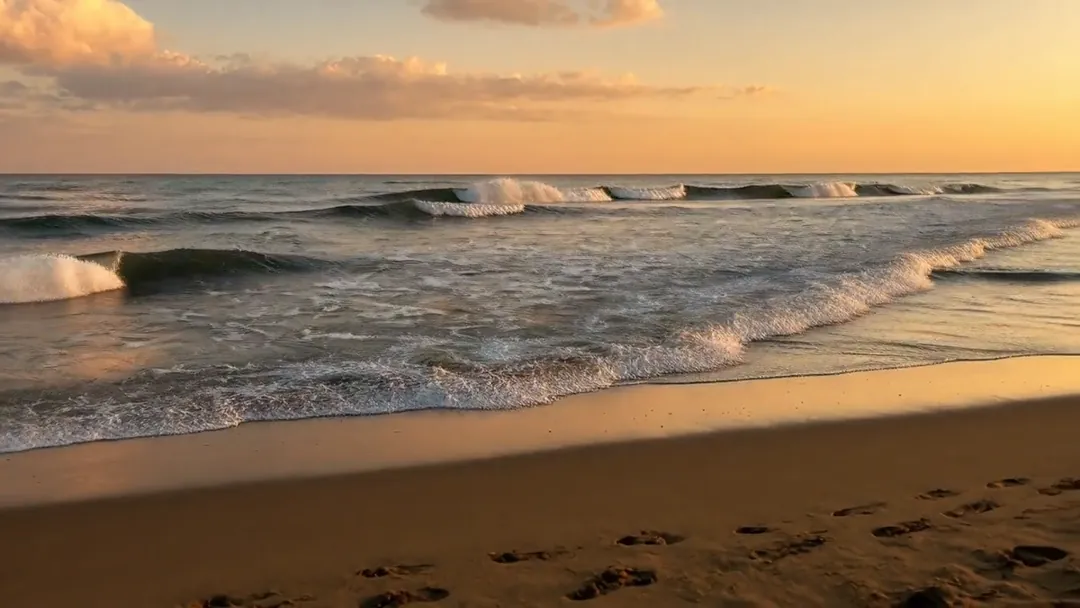
Turn text into a video clip
You create a short video clip by providing a clear text description. Your input includes details about the scene, the intended motion, and the camera movement. You specify exactly what you want to see. Your description determines the visual result. You receive a short video clip that aligns with your initial instructions. This workflow removes the need for complex editing software or filming equipment. You simply type your vision and obtain a moving image.
Control the visual elements
You define the environment and setting for your video. You describe how objects move and interact within the frame. You set the camera direction, including pans, tilts, or zooms. Your precise description determines the final composition. The output reflects your specified parameters directly. You can adjust the pacing and focus by refining your text. The process keeps you in control of every visual detail.
Final visual result
You work with a straightforward text-to-video workflow. You enter your description, review the generated clip, and use it for your needs. You convert your text into a short video clip based on your description. You maintain control over the scene, motion, and camera through your input. The result is a final clip based on your description. You can reuse the output for presentations or personal projects.