





Photo Upscaling for Clearer Results

Transform your images into higher resolution versions with sharper details and improved clarity.

from 10 coins per imageCoins come back if it fails

Examples

  • Wildflower bouquet before and after upscalingBefore
    Wildflower bouquet before and after upscalingAfter
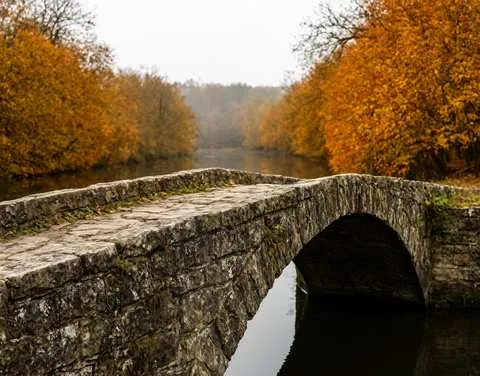
  • Stone bridge in autumn before and after upscalingBefore
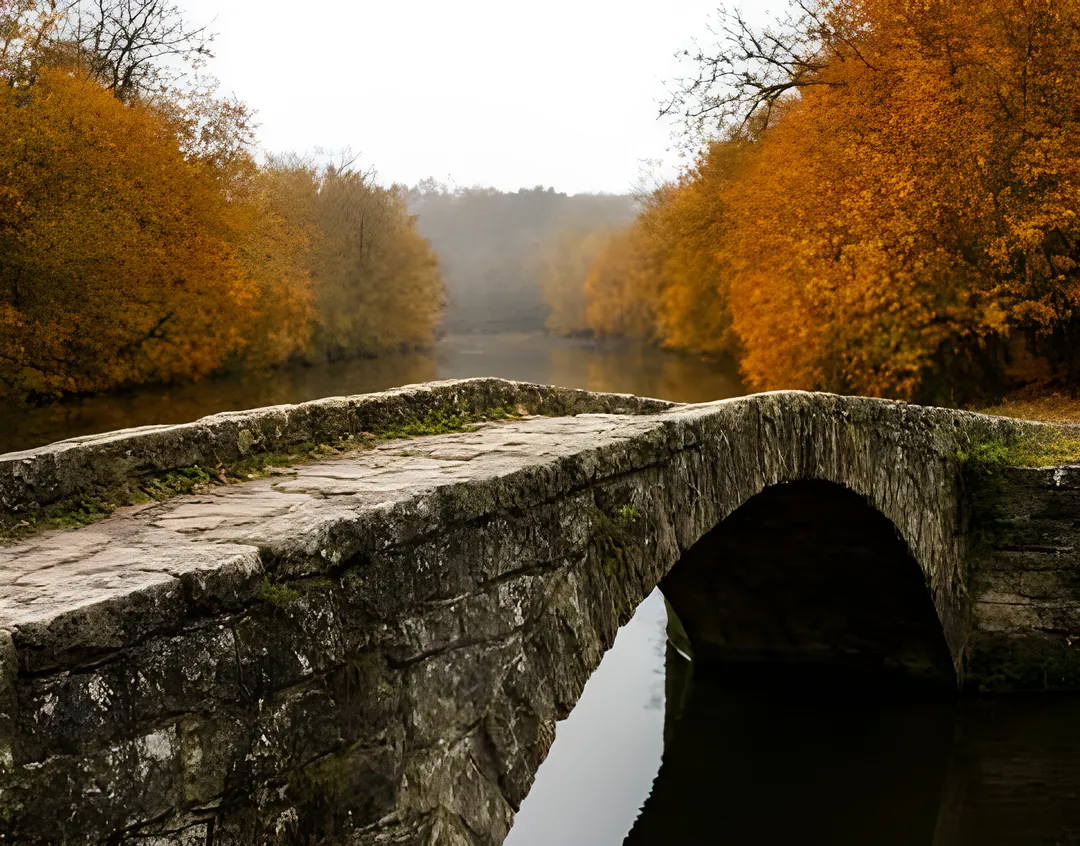
    Stone bridge in autumn before and after upscalingAfter

How it works

  1. Upload your photoSelect the image you want to improve and prepare it for processing.
  2. Start upscalingStart the upscaling; no settings are needed.
  3. Receive the enhanced versionGet the upscaled image with sharper details and improved clarity.

How much it costs

from 10 coins per image

Coins come back if it fails

What it can do

  • Higher resolution outputYou receive the same image expanded to a larger pixel count.
  • Sharper detailsFine lines and textures become more visible in the final result.
  • Preserved compositionThe original content remains intact while the file size grows.

Expanding Image Dimensions

You upload a photo to increase its overall dimensions. The original composition stays intact while the resolution grows. This transformation allows the image to display more information across a larger area. You see how every part of the picture scales up smoothly. The output matches the input in content but expands the visual space available for viewing.

Refining Visual Clarity

You focus on improving edges and textures during the task. Fine lines that appeared soft in the source file become more defined. The final version keeps the original layout while showing clearer details. You notice the improved sharpness when examining the result closely. The enlarged file works well for projects that need larger dimensions. You manage the workflow from start to finish. You can use the refined file for printing, digital displays, or archival storage without losing the original structure.

Questions and answers

How does photo upscaling work?

You upload an image to increase its dimensions. The resolution grows while the original layout stays the same. You get a larger file with sharper details.

What do I get after processing?

You receive the same image at a higher resolution with sharper details. The output maintains the original composition while offering improved clarity.

Can I choose a specific output size?

The output size is set automatically.

How is the final file delivered?

The upscaled image is generated and ready for download. You can open the file directly on your device.

Everything is ready to go.

    Necessary cookies keep the site working. With your consent we also use analytics (Yandex Metrica and Umami on our own server) and advertising (VK Ads pixel). You can change your choice any time via "Cookie settings" at the bottom of the site. Learn more