



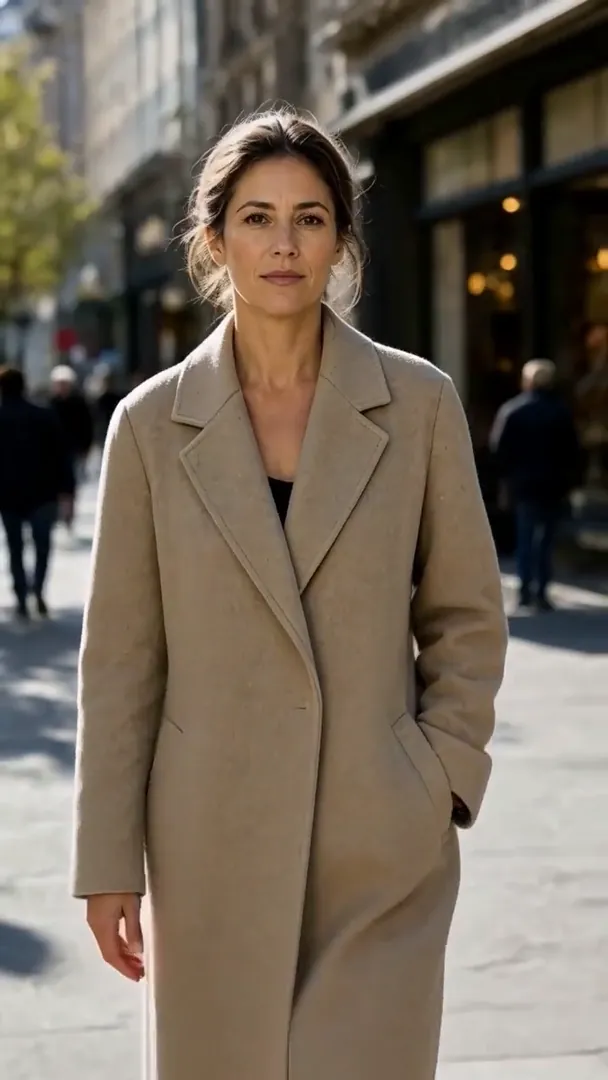
Character Swap in Video

Replace any character in your video with a person from a photo. Upload a clip and a reference image to get a consistent video result.

from 20 coins per videoCoins come back if it fails

Examples

  • Before
    After
  • Before
    After

How it works

  1. Upload video and photoProvide a video clip and a clear photo of the person you want to place in the scene.
  2. Select the target characterPoint to the individual in the video who needs to be replaced.
  3. Generate the resultReceive the processed video with the new character in the original setting.

How much it costs

from 20 coins per video

Coins come back if it fails

What it can do

  • Direct character replacementThe original video structure remains intact while the main figure changes.
  • Photo-based referenceUse a photo of one person with the face clearly visible.
  • Consistent motion preservationMovements and gestures from the source clip continue naturally with the new face.
  • Flexible scene integrationThe new character fits into the existing background and lighting conditions.

Replacing a Character in Your Video

You provide a video and a photo of the person you want to place in the scene, and receive the same video with the original subject replaced. This workflow keeps the original footage intact while you position the new individual in the frame. You simply upload the source material, and the final result adjusts the visual content to match your input. The video maintains the original movements, camera angles, and background elements. You retain full control over the final composition.

Preserving Context and Movement

The resulting clip retains the pacing and environmental details of the initial recording. You receive the same video with the new character positioned where the original subject stood. Gestures, head turns, and body movements continue naturally without disruption. This method allows you to recreate scenes, update footage, or personalize existing media without reshooting. You control the visual outcome by selecting the reference image and the target frame.

Questions and answers

What files do I need to upload?

You need a video clip and a photo of the person you want to place in the scene.

Will the original video remain the same?

You receive the same video with only the targeted character replaced.

How does the new person appear in the clip?

The person from your photo takes the position and actions of the original subject.

Can I upload a video I recorded myself?

Yes. Use a clip or a segment of 2 to 10 seconds where the person is clearly visible.

What is the final output?

You get a processed video file with the updated character in the main role.

Before each run with photos of people you confirm that the people in it agree. If that turns out to be untrue, you are responsible.

TermsRecognised yourself? Let us know

Everything is ready to go.

    Necessary cookies keep the site working. With your consent we also use analytics (Yandex Metrica and Umami on our own server) and advertising (VK Ads pixel). You can change your choice any time via "Cookie settings" at the bottom of the site. Learn more